















You bought your robot vacuum to make life easier.
But now you're wondering: how much maintenance does this thing actually need?
Maybe you've noticed the suction isn't quite as strong as when you first unboxed it, or perhaps you're staring at a dustbin that's seen better days.
The good news?
Keeping your robot vacuum running like new doesn't require an engineering degree or hours of your weekend. Regular maintenance keeps your floors cleaner, protects your investment, and prevents your MOVA from turning into an expensive dust bunny collector.
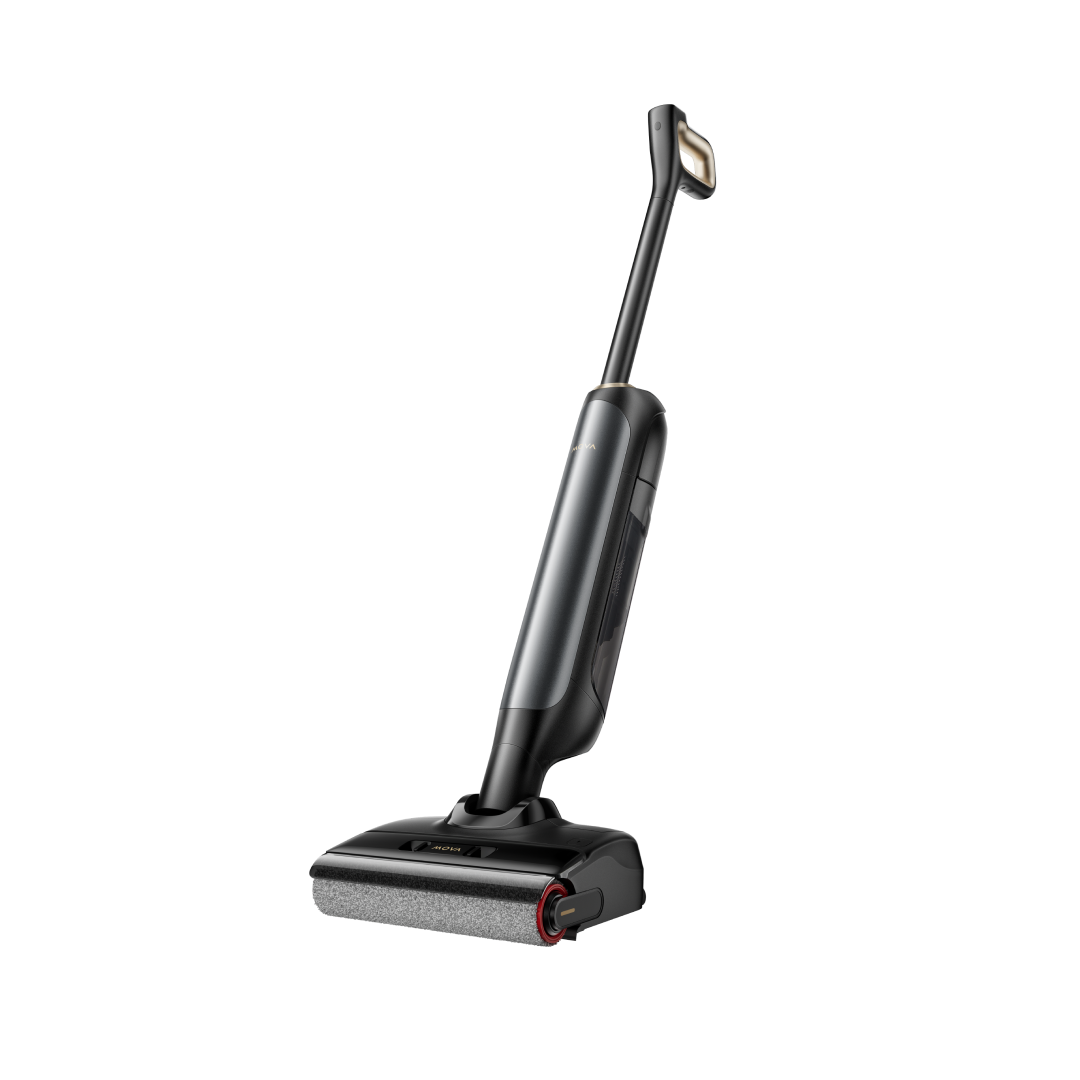
For busy households, especially those with pets, learning the basics of robot vacuum care isn't just about performance. It's about making sure your robot actually picks up that trail of dog hair instead of pushing it around your living room. The MOVA V50 makes this surprisingly simple with washable filters and removable mop pads that rinse clean in your sink.
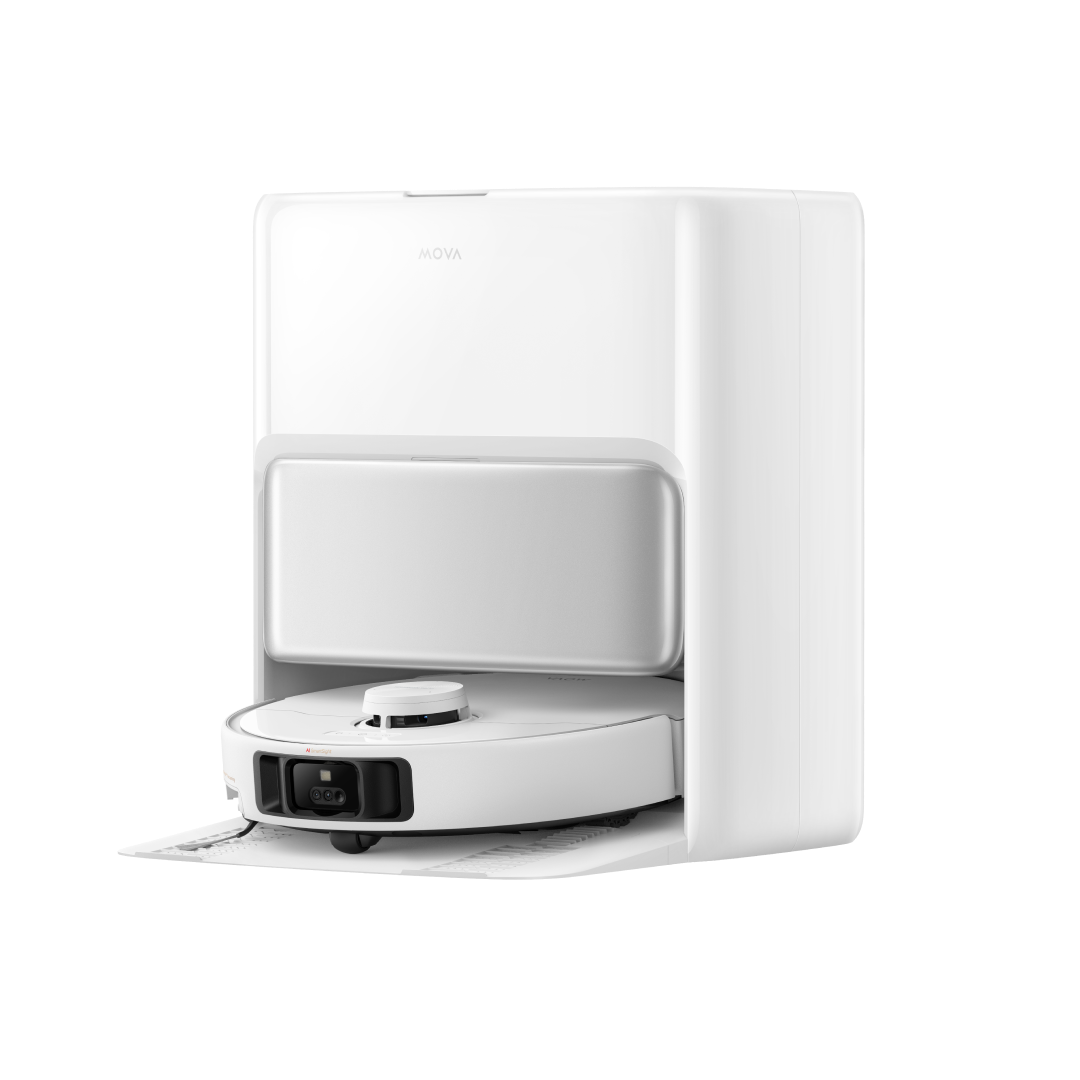
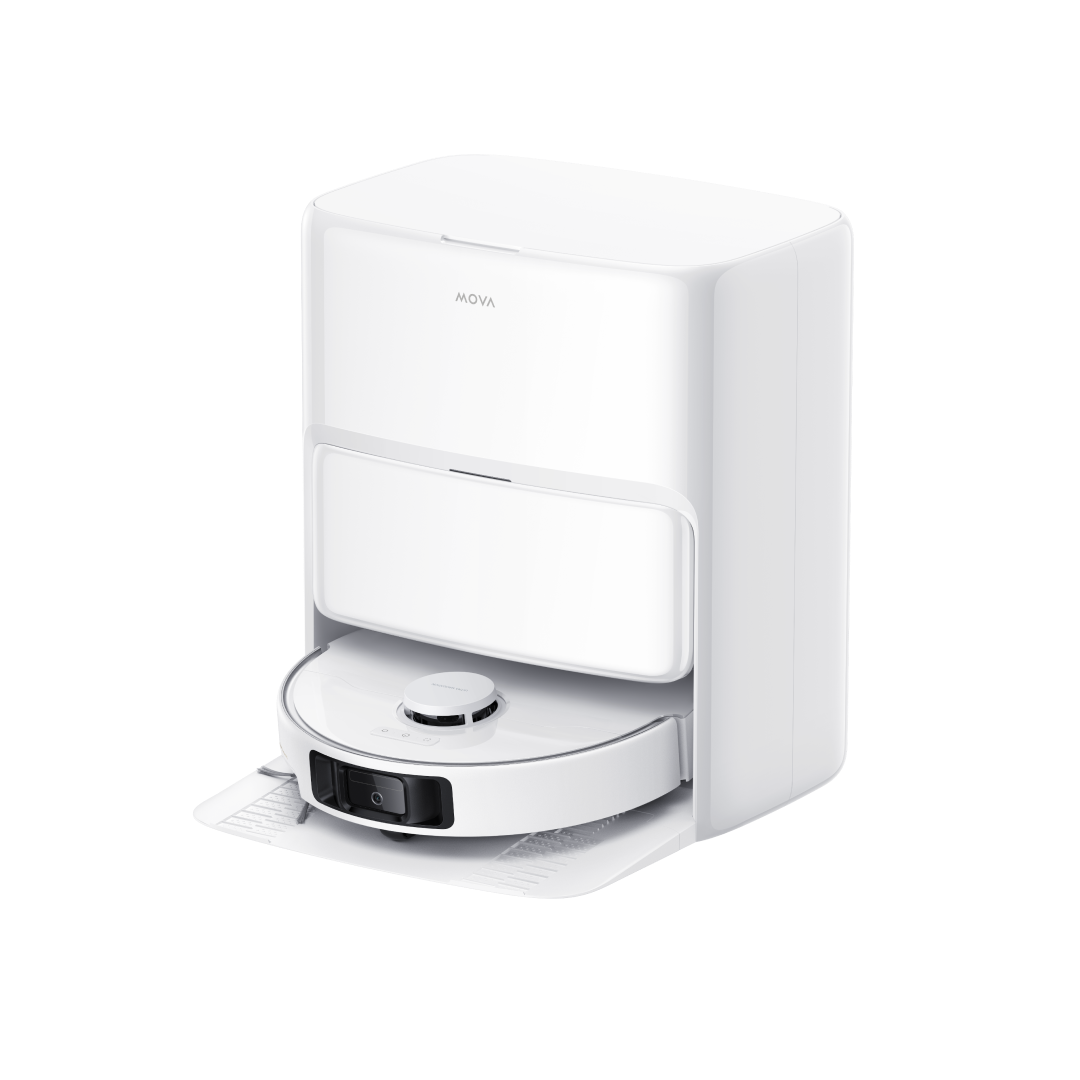
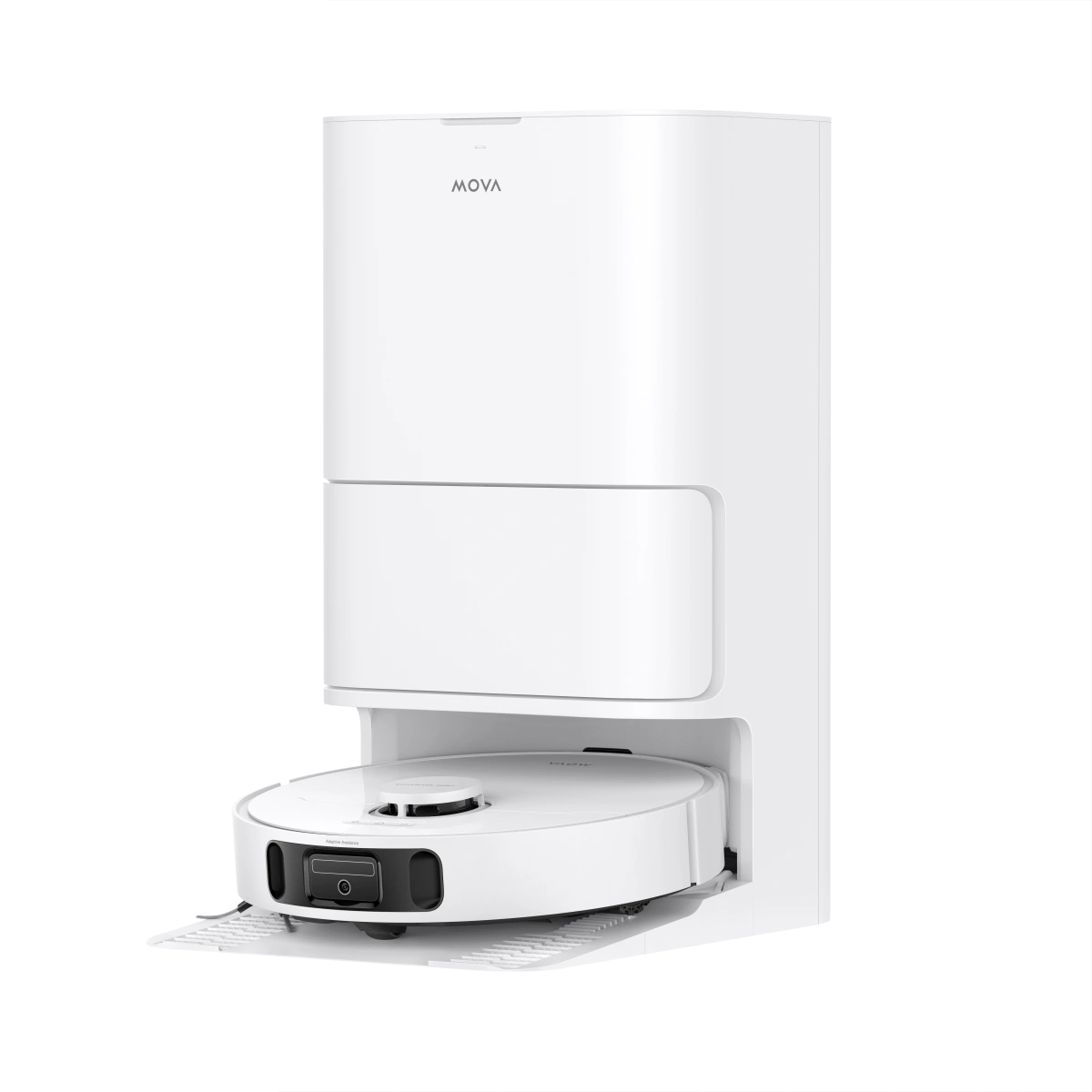
If you're lucky enough to have a self-cleaning dock, you're already ahead of the game. These auto-empty stations and mop-washing features handle the heavy lifting automatically. If you have a basic charging dock, you'll need to stay on top of a few simple tasks after each cleaning cycle.
This guide walks you through exactly how to keep your MOVA running smoothly, whether you're dealing with pet hair tumbleweeds or those mysterious sticky spots that appear overnight in your kitchen. We'll turn you into a robot vacuum maintenance expert—no technical experience required.

Why Regular Maintenance Matters
Your robot vacuum works hard to keep your floors clean, and it needs proper care to do its job well. Taking good care of it doesn't just keep your little helper happy.
It makes a big difference in how well it cleans and how long it lasts.
Effect on cleaning performance and suction power
That satisfying whoosh sound when you first started your Mova won't last if you skip maintenance. A clogged filter cuts down airflow, reduces suction, and makes the motor work harder. Your mighty floor warrior will end up pushing dirt around instead of cleaning it up if too much dirt builds up.
Even the smartest robot vacuum becomes useless with a full dustbin or clogged filters. Good maintenance keeps suction strong, floors cleaner, and protects the motors and parts from wearing out. Those weird noises you hear? That's your vacuum struggling because its airways are blocked.
Extending product lifespan (2 years vs. 5+ years)
Here's something that might surprise you: robot vacuums usually last 3 to 5 years. All the same, good care can help them last much longer.
Good maintenance doesn't just mean cleaner floors - it saves you hundreds of dollars by avoiding early replacement. Five years of regular care means you'll only need to replace rotating brushes twice, filters twice, and rollers once. That's much cheaper than buying a new vacuum every couple of years.
Maintaining warranty coverage requirements
Using non-genuine parts can void your warranty. Authentic parts fit perfectly and work best because they match the manufacturer's exact specifications. Those cheap generic filters might seem like a good deal until your warranty claim gets rejected.
Empty the dustbin after each run
Standard charging docks mean you'll need to empty the dustbin yourself after every cleaning. A full bin cuts down suction and might spread debris instead of picking it up.
Auto-empty docks are more convenient - you only need to check them every 30-60 days. During heavy shedding or home projects, you might need more frequent checks.
Rinse mop pads to avoid streaks
Dirty mop pads just spread dirt around instead of cleaning. You'll need to clean the mop pads manually after each use if your dock doesn't wash them automatically. Warm water and mild dish soap work great. Without this care, your premium device might leave your floors looking worse than before.
Quick check for pet hair buildup
Pet owners need to pay extra attention here. Hair can wrap around brushes and wheels, making your vacuum work poorly and strain its motors. Weekly brush roll checks help prevent these issues if you have pets at home.
Pet fur can cause problems beyond just tangled brushes. A dustbin full of fur means less suction and your vacuum works harder while cleaning less effectively. Quick checks after cleaning can prevent bigger problems later.

Daily Cleaning Tasks for Mova Owners
Your Mova's daily maintenance shouldn't feel like another task on your to-do list. Picture it as a quick pit stop for your robotic cleaning companion—a few minutes that make the difference between "Why isn't this thing picking up anything?" and "My floors have never looked better!"
These daily must-dos will keep your robot vacuum running at its best:
- Empty the dustbin after each cleaning session - This 30-second task prevents decreased suction and overflow problems. The process is simple for Mova models without self-emptying docks: press the dustbin release button, pull it out, and dump contents into your trash can. A quick tap on the bin's side helps remove stubborn debris.
- Wipe down the exterior - A dry microfiber cloth quickly cleans the top and sides of your Mova. This stops dust from getting into internal components. The camera and sensor areas on top need extra attention.
- Check and clean the brushes - Flip your Mova over to inspect the main brush roll for tangled hair or string. You can remove most debris with a quick pull, which stops it from wrapping tightly around the axles overnight.
- Rinse and hang dry mop pads - Mova models with mopping features need their mop pads removed after use. Rinse them under warm water and hang them to dry. This prevents mildew and gets them ready for tomorrow's cleaning.
- Clear the path to the dock - Your Mova needs a clear path within 3 feet of the charging dock to return home. This habit prevents navigation issues and charging failures.
- Quick sensor wipe - A soft, dry cloth works best to clean the cliff sensors underneath your Mova and the optical sensors on top. Dirty sensors are the main reason behind erratic navigation.
- Check charging contacts - Clean metal charging contacts on both your Mova and the charging dock are essential. A quick wipe with a dry cloth prevents charging problems.
The entire process takes less than three minutes once you get into the routine. Many Mova owners do these quick checks right after their robot finishes cleaning and returns to dock.
Life gets even easier with a self-emptying models. You can skip daily bin emptying, though it's smart to check weekly during shedding seasons or after cleaning particularly dirty areas.
These small daily tasks prevent the need for deeper cleaning later.
A well-maintained robot vacuum cleans more effectively and runs more quietly—perfect if you schedule overnight cleaning cycles or work from home. Your floors stay cleaner, your robot lasts longer, and everyone wins—except for the dust bunnies.

Weekly Maintenance Checklist
Your Mova needs a weekly spa treatment! Just like your own grooming routine, your robot needs regular care to work at its best.
How to clean robot vacuum filter properly
Want to keep that powerful suction you felt when you first unboxed your Mova? Weekly filter maintenance isn't optional. A clogged filter cuts airflow, reduces suction, and makes the motor work harder.
Here's how to clean your robot vacuum filter:
- Turn off your Mova and remove it from the charging dock
- Open the dustbin and locate the filter (usually inside or attached to a compartment)
- Gently remove the filter from its housing
- Tap it over a trash can to dislodge loose dirt and debris
- For washable filters, rinse under lukewarm water until it runs clear
- Never use soap or chemicals on your filter—they can damage the material
- Allow the filter to air dry completely before reinserting it
Parents with toddlers might relate to this—just like those sippy cups that need full drying to stop mold growth, your filter needs to be 100% dry before it goes back into your Mova.
Detangle main and side brushes
The brush rolls on your Mova are true hair magnets. Human and pet hair wraps around the main brush axle, which slows it down and puts extra strain on the motors. You'll need weekly brush maintenance even with modern anti-tangle designs.
Pet owners know this routine well. A Labrador owner once said, "My robot collects enough fur each week to build a second dog!"
To clean your brushes:
Start by flipping your Mova over and removing the main brush (check your manual to find the release mechanism). Use scissors or the included cleaning tool to cut away tangled hair. Focus on the ends where hair tends to wrap around the axles. Look at your side brushes too—these small but vital parts need checking for debris and bent bristles.
Wipe down the water tank and mop tray
Mova models with mopping functions need weekly attention to their water components. Your floors will look cleaner and streak-free.
Empty both clean and dirty water tanks first. Give the dirty water tank a good rinse—you can add effervescent cleaning tablets to prevent odors in your next fill. Wipe the mop tray with a clean, damp cloth and let it dry fully.
The pivot system underneath needs quick attention too. Handle water systems carefully—that membrane can be fragile.
One important warning: never add cleaning products to the water reservoir. These products create foam when the robot returns to base, which blocks water channels and confuses sensors. They might also harm your robot vacuum's internal parts.
This weekly maintenance prevents those frustrating "why isn't my robot working?" moments that always seem to happen right before guests arrive!
Monthly Deep Cleaning Routine
Monthly maintenance works like a performance review for your Mova. This gives you a chance to check those neglected parts that affect its performance. You need to give your robot vacuum the same attention you'd give to detailing your car or deep cleaning your coffee maker.
Clean wheels and wheel wells
Your Mova's wheels pick up surprising amounts of debris as they guide it across different surfaces. Dirty wheels won't turn properly, which makes your robot move slowly and might scratch your floors.
Here's how to take care of your Mova's wheels:
- Flip your robot over and inspect all wheels for debris
- Check for threads or hair wrapped around the axles
- Use scissors or a utility knife to carefully cut away tangled materials
- Wipe down the wheels with a dry cloth (or slightly damp for sticky residue)
"My Mova was acting drunk last month—moving in weird patterns and getting stuck," shares one busy parent. "Turns out my toddler's Play-Doh had created quite the party in the wheel wells!"
Clean wheels give better traction and put less strain on your robot's motor, which helps extend its lifespan.
How to clean robot vacuum sensors safely
Your Mova's sensors work as its eyes and ears. A robot with dirty sensors becomes like a blindfolded person trying to direct through your living room. You'll need these items to clean the sensors:
- A soft lint-free cloth (microfiber works best)
- A small brush like a clean toothbrush
- Compressed air (optional)
The first step is to always turn off your Mova before cleaning sensors. You should find all sensors around the front bumper, underside, and near wheels. Use your soft cloth to wipe each one gently. A small brush or compressed air helps remove stubborn dust from tight spots.
Manufacturers warn against using wet cloths on sensors because moisture can harm electronic components. The only exception comes when your manual specifically allows using a slightly dampened cloth, followed by immediate drying.
Wipe charging contacts on robot and dock
Dead robot next to its dock? Dirty charging contacts are usually the cause. Dust and debris build up on the metal contacts of both your robot and charging station. This increases resistance in the charging circuit.
Here's how to clean these crucial components:
- Unplug the charging dock from the wall outlet
- Locate the metal contacts on both the dock and robot
- Wipe with a dry cloth to remove dust
- Use a pencil eraser or magic eraser for stubborn corrosion
- Gently scrub contacts until they shine
Pet owners face this issue more often since fur creates an invisible barrier between contacts. Houses with more dust might need contact cleaning more frequently than once a month.
Clean wheels, sensors, and charging contacts help your Mova run smoothly. This saves you from finding it stuck in your living room just before guests arrive.

When and How to Replace Parts
Your Mova needs regular part replacements, no matter how carefully you clean it. This is similar to replacing your toothbrush every few months (you're doing that, right?). Fresh components help maintain your robot's peak performance.
Replace or wash filters every 2–3 months
Weekly cleaning helps, but filters will eventually wear out. Maintenance experts recommend replacing your robot vacuum filter every 3 to 6 months. Pet owners and allergy sufferers should aim closer to the 3-month mark.
These signs indicate it's time to replace:
- Visible damage like tears or holes
- Permanent discoloration that doesn't wash away
- Thinning material or noticeable wear
- Persistent odors despite cleaning
- Noticeable decrease in suction power
"But I just cleaned it!" you might say. A clean-looking filter might still be past its prime. It's like gym shoes that appear fine but have lost their cushioning—the filter's microscopic cleaning ability deteriorates with time.
Swap out worn mop pads and brushes
Your Mova's mop pads need replacement every 3-6 months to maintain cleaning efficiency. Smart owners keep several pads in rotation. This extends their lifespan and ensures a clean pad is always ready.
Third-party replacement pads can match original quality at better prices. Users confirm this: "These fit perfectly and I honestly can't tell the difference between these and the ones that came with my robot".
Watch your main brushes for:
- Bent or splayed bristles
- Stubborn hair tangles that won't come out
- Visible wear patterns or balding spots
Anti-tangle brushes make a worthwhile investment for pet owners since they prevent hair buildup.
Tips for tracking part usage in the app
Most Mova models include built-in maintenance tracking. Your app becomes a digital reminder system for part replacements. Here's how to use it:
Reset the counters in the app after installing new parts. This helps track the next replacement accurately. Enable push notifications so you won't miss maintenance reminders. Busy households often overlook subtle performance changes.
Keep spare parts in stock. You don't want to discover an empty filter box at 11 PM before guests arrive tomorrow.
Using authentic MOVA accessories will give optimal performance and protect your warranty. One user puts it perfectly: "Saving $5 on a generic filter that clogs your $500 robot is penny-wise but pound-foolish!"
Dock Station Maintenance Tips
Your robot vacuum's dock station is its unsung hero. This maintenance hub works behind the scenes to empty debris, wash mop pads, and keep your Mova ready for action. Many owners don't realize that the dock needs regular care too.
Empty or replace the dock dust bag
Your Mova docking station's 3.2L dust bag seems huge, but it won't last forever. The bag typically holds debris up to 75 days, depending on how often you clean. Most people don't think about it until that "full bag" alert pops up right before guests arrive.
To replace a full dust bag:
- Lift the lid of the canister
- Pull up on the plastic card to remove the old bag (this cleverly seals it as you pull, preventing dust clouds)
- Discard the used bag
- Slide a new bag into place along the guide rails
- Press down firmly to close the lid
Stick with quality bags instead of hunting for cheaper alternatives. Third-party bags didn't perform well during tests and can release fine dust particles back into your home. A pet owner learned this lesson and said: "I learned the hard way that saving $3 on generic bags meant re-cleaning my entire living room!"
Clear the air path to prevent clogs
Your robot's dustbin might not empty completely because of blockages in the air channel between your robot and dock. The connection point where the bag meets the dock attracts hair clumps, making it the top troubleshooting issue for pet owners.
Take a moment to check this connection point while changing the dust bag. This quick check helps prevent those annoying error messages and incomplete emptying cycles.
Clean the mop washing tray monthly
Mova models with self-cleaning features need their mop washing tray cleaned monthly. The basin that washes your mop pads with hot water will collect dirt and grime over time.
Make this part of your routine:
- Remove any detachable trays or inserts
- Rinse them in your sink with plain water (no cleaning chemicals!)
- Wipe down fixed components with a damp cloth
- Let everything dry completely before reassembling
Just like a coffee maker, if you ignore it too long, everything it touches starts to smell a bit... questionable.
Troubleshooting Common Issues
Robot vacuums can act up despite regular maintenance. Most problems have straightforward fixes if you know what to check.
Robot not charging? Check contacts
Your Mova might sit helplessly next to its dock with a dead battery. Dirty charging contacts usually cause this issue. A dry cloth can clean both the robot's contacts and the dock's metal points. A pencil eraser works remarkably well at removing oxidation from the metal without causing damage.
Leaving streaks? Clean mop pads
Mysterious streaks on your floor signal that your mop pads need cleaning. New pads should be used for each cleaning cycle. Your washing machine can clean reusable pads - just skip the fabric softener as it leaves residue. A vacuum cycle before mopping prevents dirt from spreading across the floor.
Low suction? Clean filter and dustbin
A full dustbin or clogged filter typically causes weak pickup. The bin needs emptying after each use and filters need a good tap to remove dust. A completely filled dust container remains the primary cause of weak suction power. Homes with pets might need monthly filter replacements.
Dustbin not emptying? Check dock channel
The self-emptying dock might fail due to blockages in the connection channel between the robot and dock. Hair clumps often create these blockages. A quick reset usually fixes this - power off both units for a minute before restarting.
Conclusion
Looking after your Mova robot vacuum might feel like one more task on your endless to-do list. But these simple maintenance steps will save you time and money as time goes by. A robot vacuum that's managed to keep its maintenance schedule cleans better, runs quieter, and lasts much longer than neglected ones.
Your Mova works like that dedicated employee who never complains yet performs better with regular care. Just a few minutes to empty the dustbin, clean filters, and remove tangled hair from brushes makes a huge difference. Your robot will keep delivering spotless floors day after day.
Pet parents know the value of regular maintenance routines. Your furry companions might secretly scheme against your robot by shedding fur everywhere, but your careful attention will give your Mova the upper hand in this home battle.
The thrill of unboxing your robot vacuum for the first time can last longer than you think. That impressive suction and smooth hidden AI navigation doesn't have to become just a memory. Technology makes cleaning easier these days, but it still needs your attention now and then.
These maintenance tasks blend into your daily life once you start doing them regularly. Many Mova owners check the brushes while their coffee brews or empty the dustbin during TV commercials.
Your future self will thank you without doubt for these small efforts today. Clean sensors reduce those "help, I'm stuck" messages. Fresh filters boost suction power. Well-maintained wheels keep your robot on its cleaning path instead of doing a random dance routine.
Your robot vacuum ends up being a smart investment in your home's cleanliness and your free time. Taking care of this investment through basic maintenance keeps your floors spotless. This lets you focus on better things—like picking your next show to watch on that dust-free living room TV.
FAQs
Q1. How often should I clean my Mova robot vacuum?
For optimal performance, empty the dustbin after each use, clean the filter weekly, and perform a deep clean monthly. Replace filters every 2-3 months and mop pads every 3-6 months.
Q2. What's the best way to clean the sensors on my Mova robot?
Turn off the robot, then gently wipe the sensors with a soft, dry microfiber cloth. For stubborn dust, use a small brush or compressed air. Avoid using wet cloths unless specifically allowed by the manufacturer.
Q3. How can I improve my robot vacuum's suction power?
Regularly empty the dustbin, clean or replace the filter, and check for clogs in the brush roll and air pathways. Also, ensure the dustbin is properly seated and sealed after emptying.
Q4. Is it safe to use vinegar in my Mova robot vacuum?
It's not recommended to add any cleaning products, including vinegar, to the water reservoir of your robot vacuum. This can create foam, clog water channels, and potentially damage internal components.
Q5. Why isn't my Mova robot vacuum charging properly?
Check and clean the charging contacts on both the robot and the dock using a dry cloth or pencil eraser to remove any dust or oxidation. Ensure the dock is plugged in and the robot is properly aligned with the charging contacts.