















You go to clean your floors, but your vacuum cleaner is dead, making a weird noise, or suddenly has no suction. It's frustrating, especially when you rely on it to keep your home clean and dust-free. The good news? Most vacuum cleaner problems have simple solutions that don't require expensive repairs or replacements.
The global vacuum cleaner market is valued at over USD 50.56 billion in 2025, according to Fortune Business Insights, reflecting just how essential these appliances have become in modern households. Yet even the best machines break down. Whether your vacuum stopped working suddenly or is losing suction over time, the issue often falls into two main categories: loss of suction or power/mechanical failure.
Choosing the best vacuum cleaner for your home can help improve cleaning performance and reduce common issues over time.
Common Reasons Why Vacuum Cleaners Stop Working
1. Power Supply Issues
If your vacuum cleaner won’t turn on, start by checking the power source.
l Loose plug or faulty outlet: Ensure the plug is securely connected and test the outlet with another appliance.
l Damaged power cord: Look for cuts, frays, or kinks along the cord. A damaged cable can interrupt power flow and should be replaced immediately.
l Blown fuse or tripped circuit breaker: Vacuum motors draw significant current; resetting the breaker or replacing the fuse can often solve the issue.
Quick Fix: Try a different outlet, inspect the cord for damage, and reset the breaker before assuming a major fault.
2. Clogged Filters or Hoses
Dust, pet hair, and debris can easily build up inside hoses or filters, blocking airflow. This is one of the most common causes of suction loss.
l Signs of clogs: Noticeable drop in suction, overheating, or strange noises.
l Solution: Detach the hose and check for obstructions using a broom handle or flexible brush. Clean or replace filters as recommended in the manual.
Tips: Washable filters should be rinsed with cold water (no soap) and left to dry completely before reinstalling.
3. Full Dust Bag or Bin
A full dust bag or bin can trigger the vacuum’s safety mechanism, shutting down the motor to prevent overheating.
l Overfilled bags/bins: Empty or replace the bag when it’s about two-thirds full for optimal performance.
l Bag sensor issues: In bagged models, sensors may falsely detect a full bag if debris blocks the sensor area.
Quick Fix: Empty the bin or change the bag and clean the sensor area gently with a dry cloth.
4. Overheating Motor
Many vacuums are equipped with a thermal cut-off switch that shuts down the motor when it gets too hot.
l Causes: Clogged filters, restricted airflow, or prolonged use.
l Solution: Turn off the vacuum and unplug it. Let it cool for 30–60 minutes. Clean the filters and check for blockages before restarting.
Tip: Regular cleaning prevents heat buildup and extends motor life.
5. Broken or Worn Belts
If your roller brush has stopped spinning, a broken or slipping belt could be the reason.
l Symptoms: Brush not rotating, burning smell, or uneven cleaning.
l Solution: Remove the bottom plate to inspect the belt. Replace it if it’s stretched, cracked, or broken.
Maintenance Tip: Check and replace belts every 6–12 months depending on usage.
6. Faulty Motor or Electrical Components
When all else fails, the issue may lie with the motor or internal wiring.
l Signs your motor is failing: Strange noises, burning smells, or the vacuum shutting off mid-use.
l Possible causes: Worn carbon brushes, damaged wiring, or a faulty on/off switch.
What to Do:
If the motor itself is not working or you notice electrical burning smells, it’s best to have it checked by a certified technician. Replacing individual components is usually more cost-effective than buying a new unit.
When your vacuum cleaner stops working suddenly, it doesn’t always mean the end of its lifespan. Most problems whether it’s loss of suction, overheating, or a motor not working can be traced back to simple issues like blockages, dirty filters, or worn belts. By performing these basic troubleshooting steps, you can restore your vacuum’s performance and avoid unnecessary replacements. Regular cleaning and maintenance are key to keeping your machine running efficiently for years to come.
Maintenance Tips to Prevent Vacuum Cleaners from Stopping
Proper maintenance is the best way to keep your vacuum cleaner running smoothly for years.
-
Clean filters and dust collection areas regularly. Clogged filters reduce suction and strain the motor. Here’s how to clean a robot vacuum properly to maintain performance.
-
Empty the dust bin or replace the bag before it becomes completely full to prevent overheating.
-
Check and replace belts on schedule to keep the brush roll spinning efficiently.
-
Avoid vacuuming large debris or sharp objects that can damage the hose or clog the system.
-
Handle and store your vacuum properly, keeping the power cord loosely coiled and avoiding tight bends to prevent fraying.
-
Schedule periodic professional servicing to inspect internal components, replace worn parts, and maintain optimal performance.
Following these habits helps keep your vacuum cleaner powerful, efficient, and less prone to unexpected breakdowns.
When to Replace Your Vacuum Cleaner
Sometimes, repairs may no longer be practical or cost-effective. Consider replacing your vacuum if:
-
It frequently loses suction despite cleaning the filter and clearing blockages.
-
It makes unusual noises that persist after inspections.
-
It requires constant part replacements, and repair costs exceed half the price of a new model.
Modern models offer improved filtration systems, stronger suction, and energy-efficient motors. Many new designs also prioritize eco-friendly materials and lower energy consumption, helping you clean your home while reducing environmental impact.
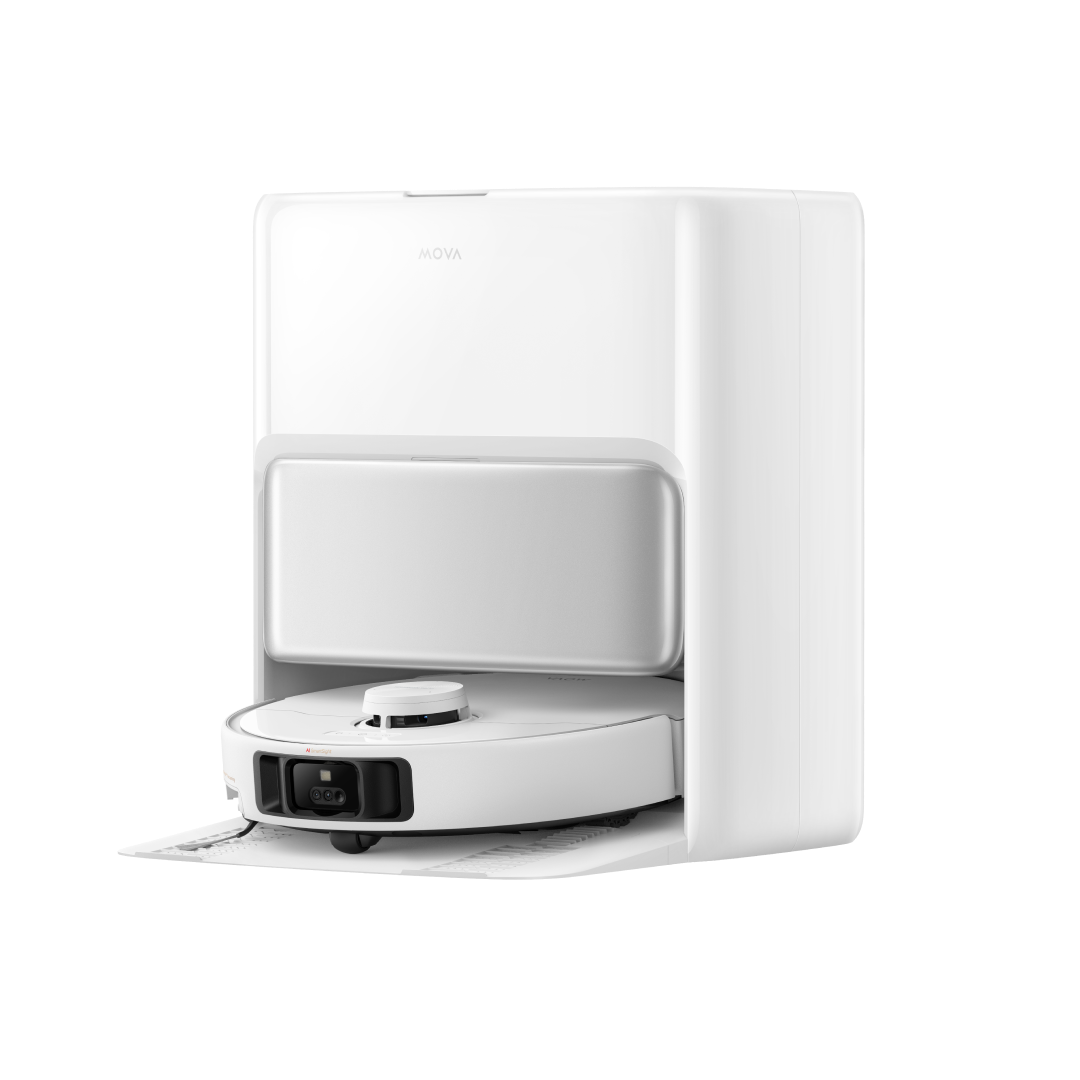
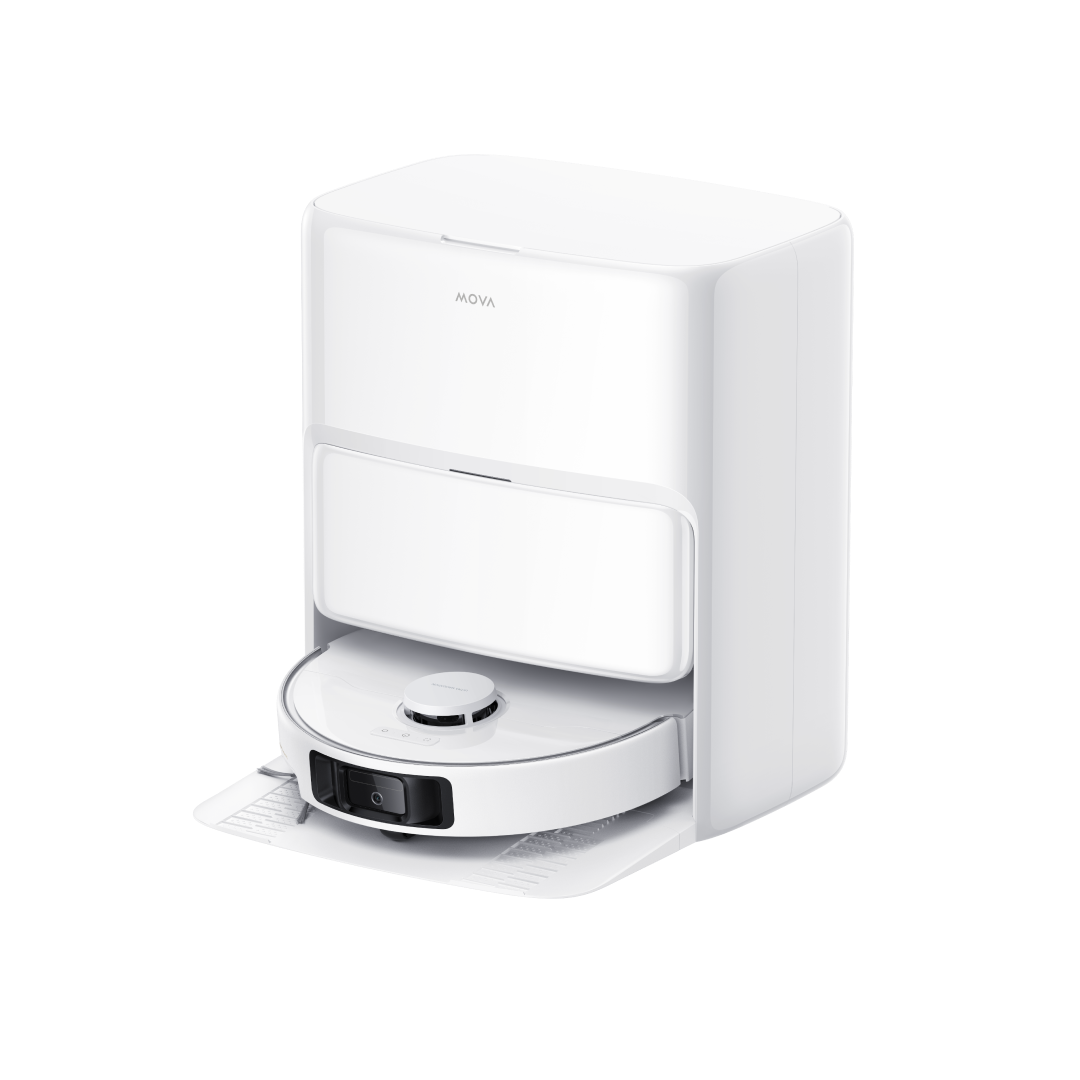
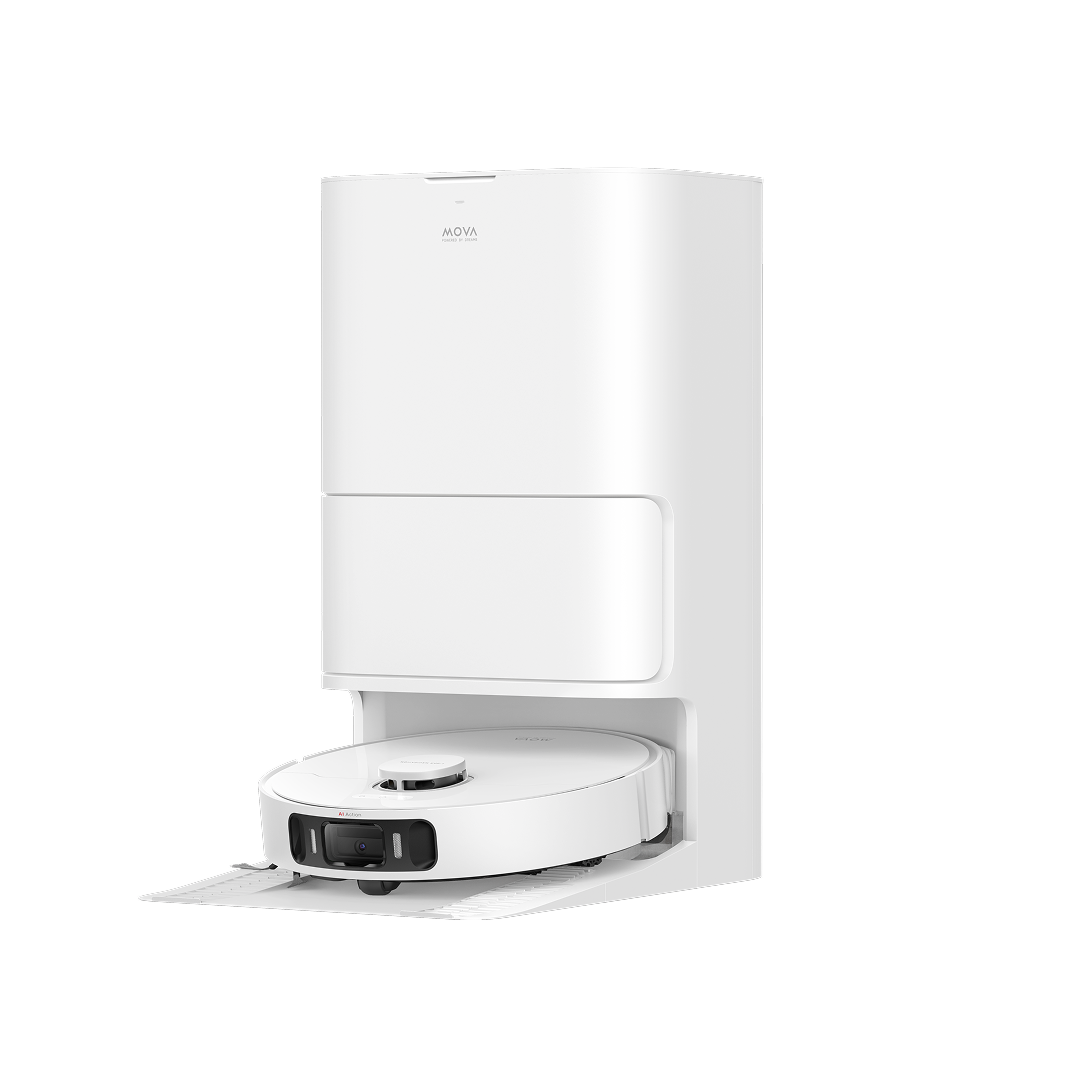
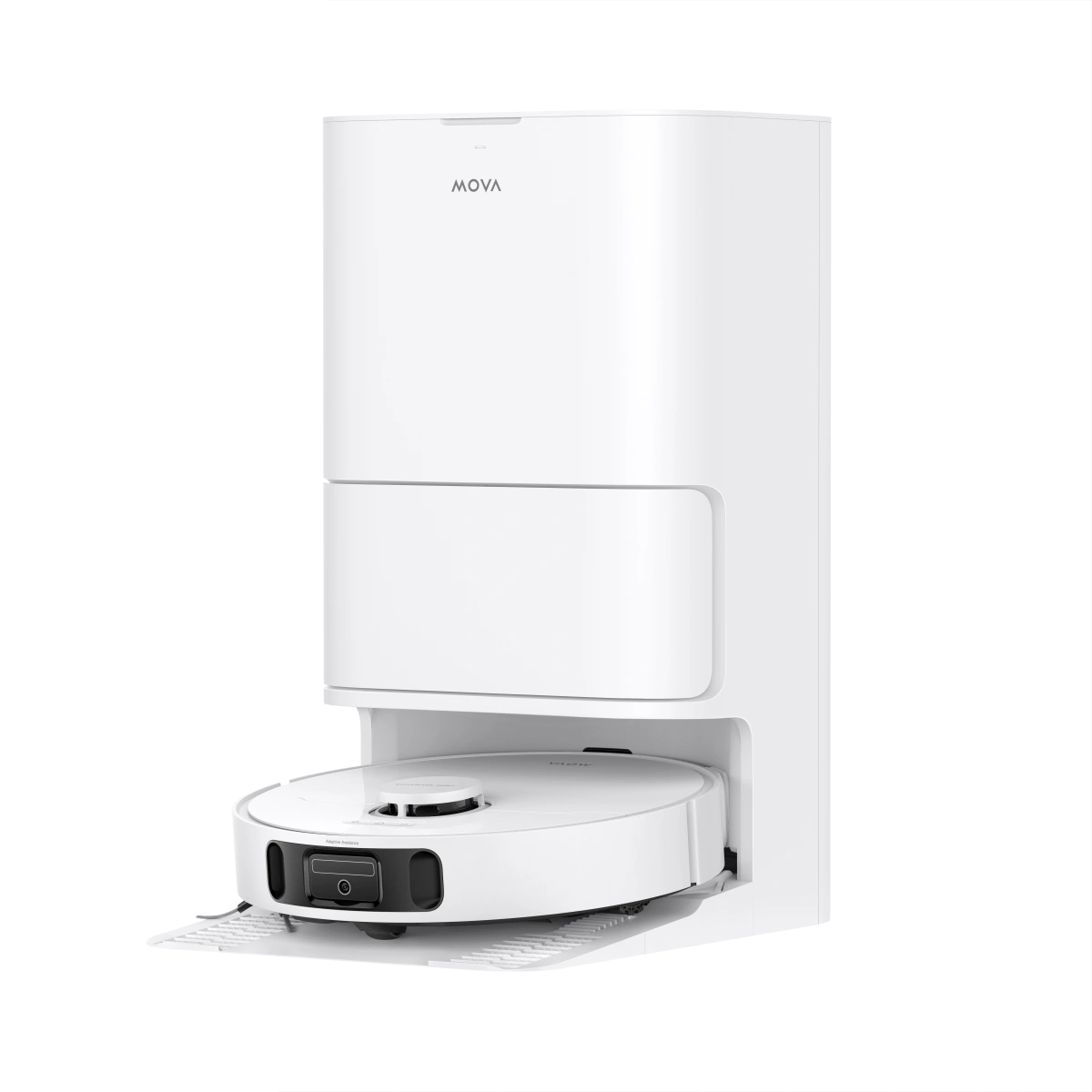
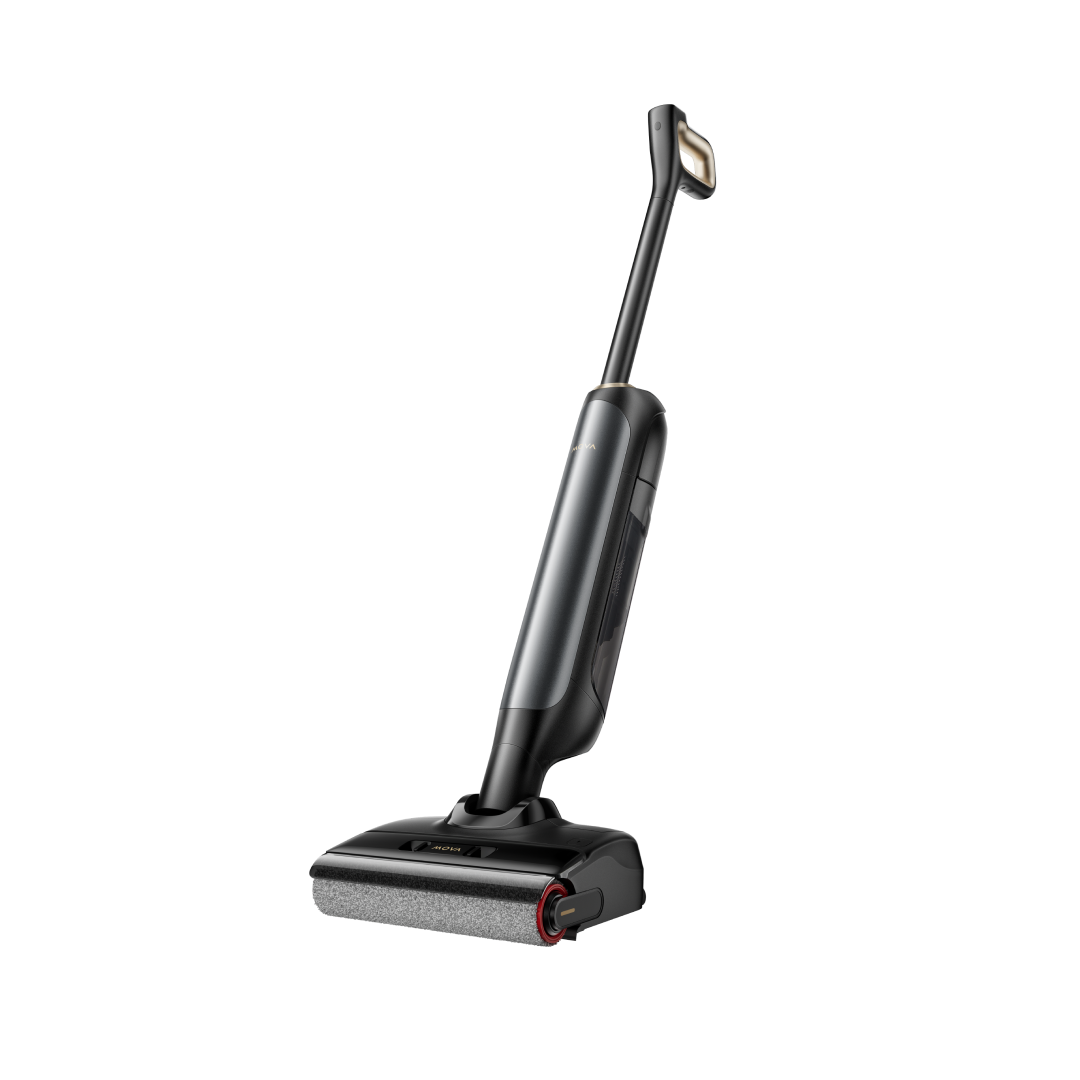
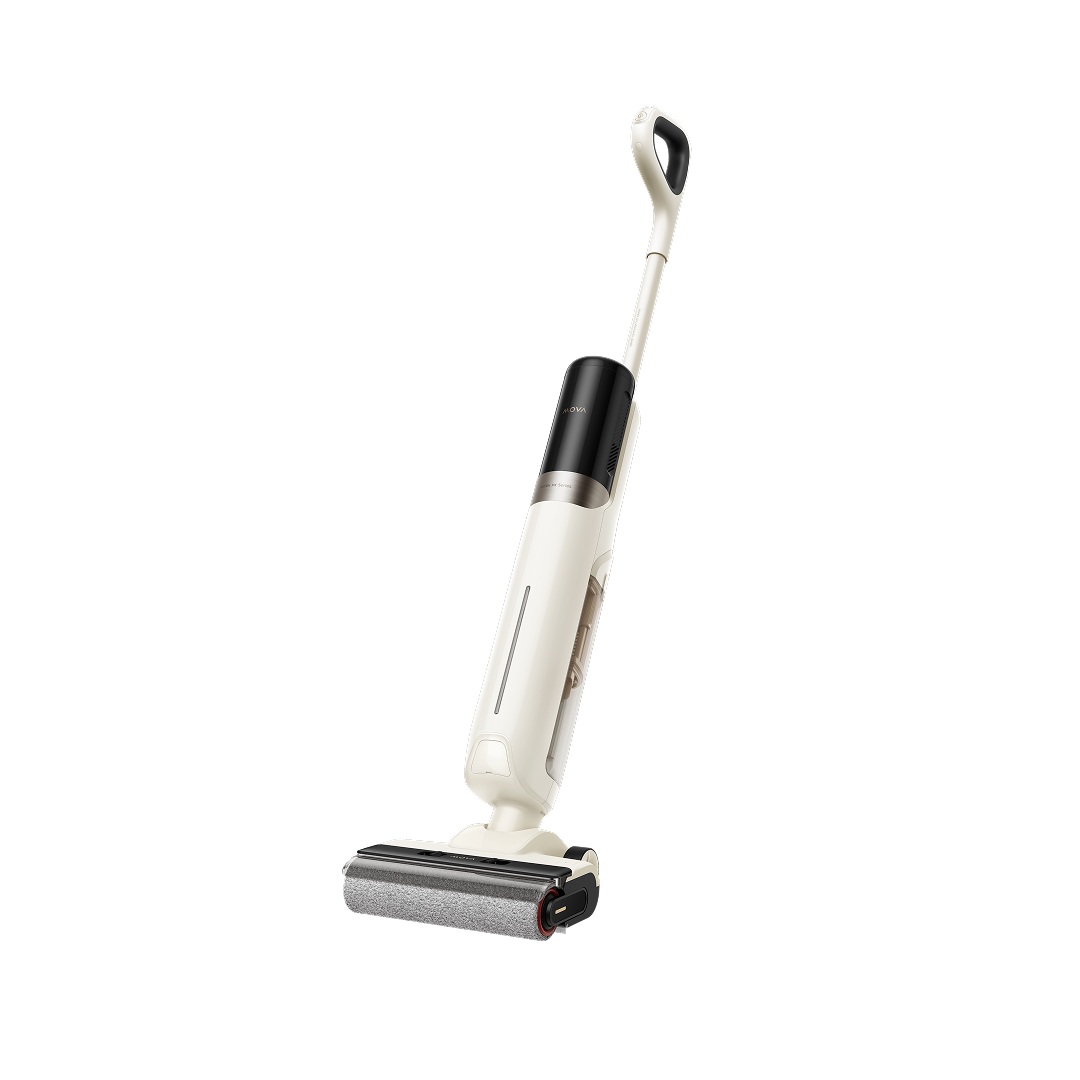
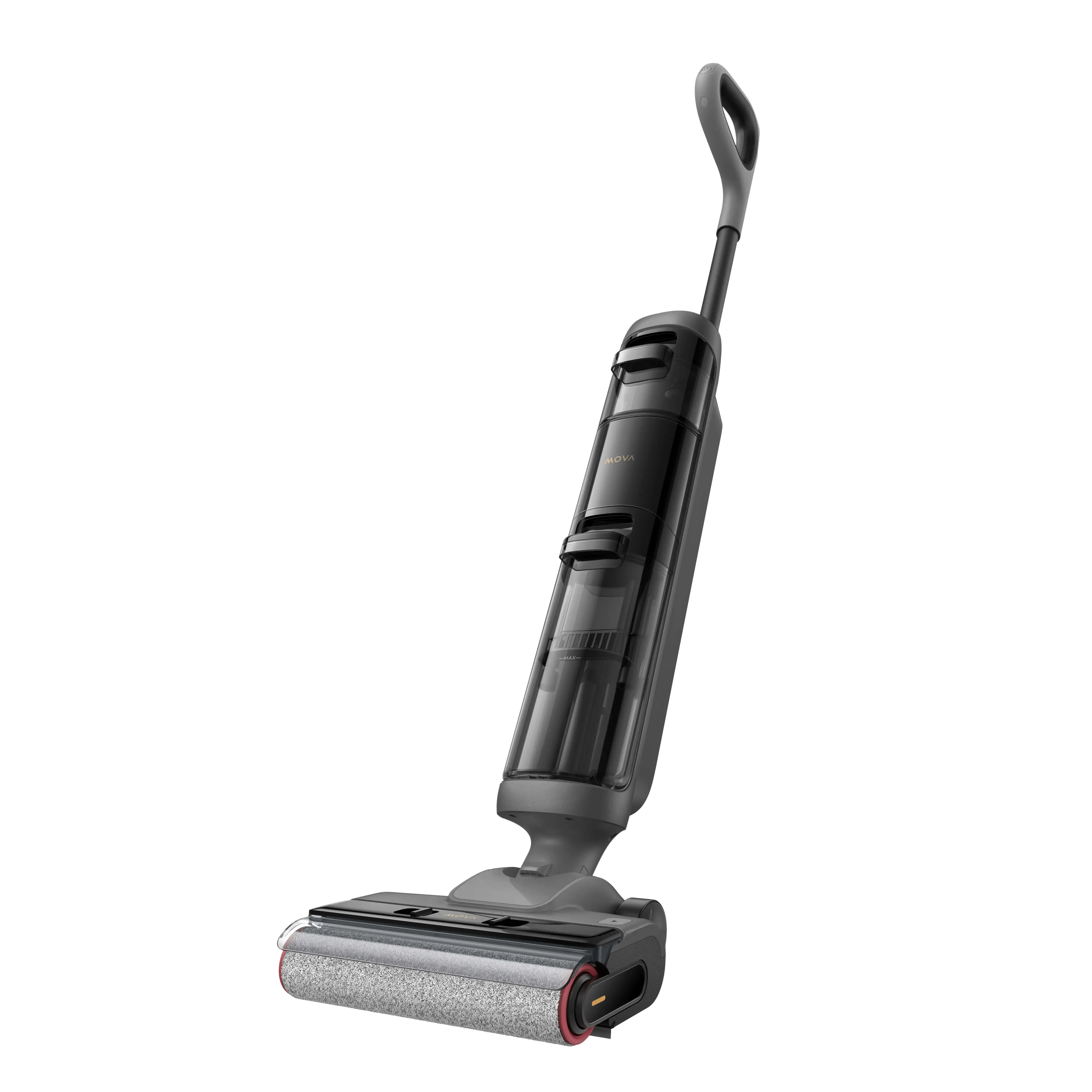
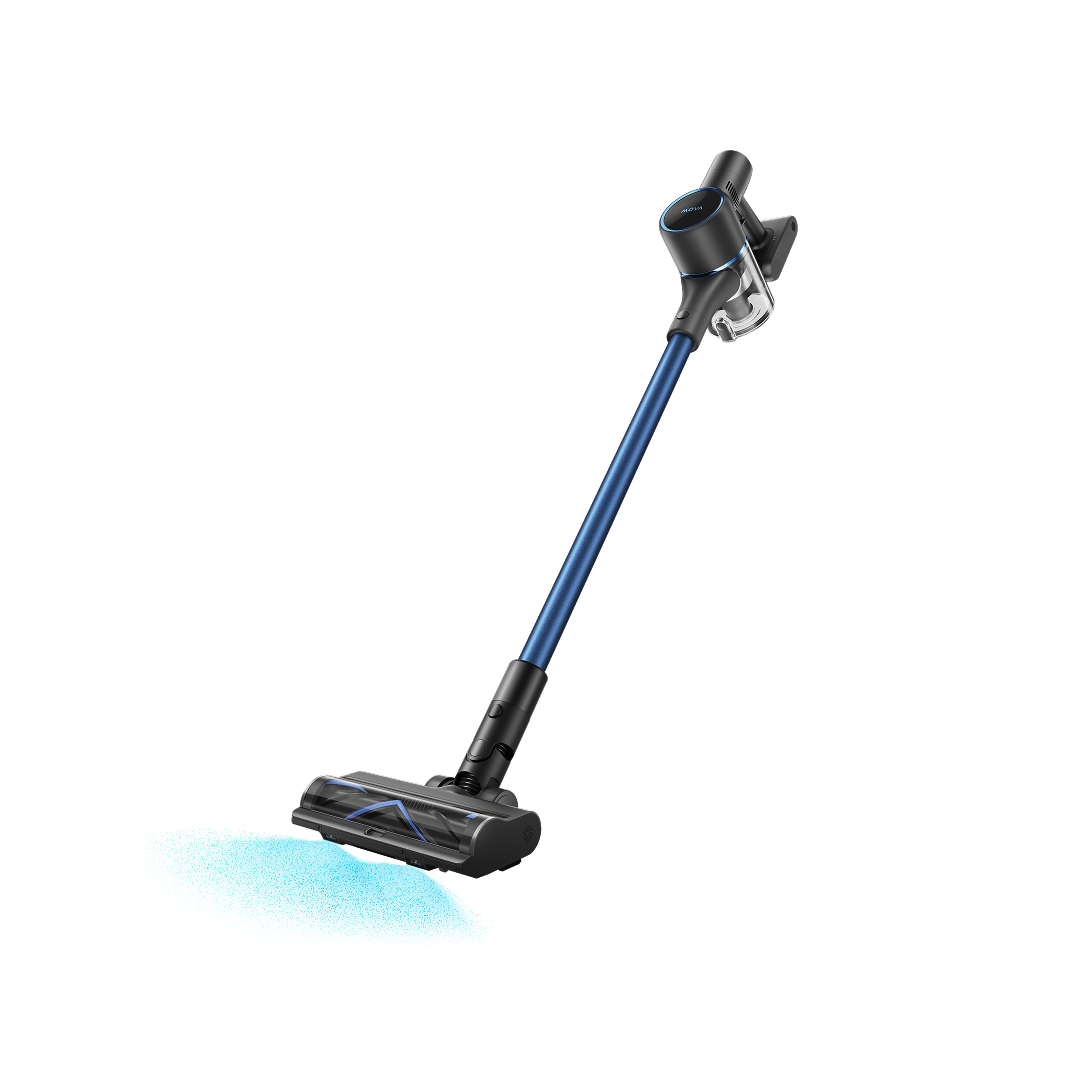
Robotic vacuums, for example, grew their installed base to over 50 million units globally in 2024, reflecting a broader shift toward smart, automated home cleaning. When repair costs exceed half the price of a new robot vacuum or performance consistently declines, replacing it is often the smarter investment. You can explore top MOVA cleaning products to find a more efficient replacement.
Conclusion
Vacuum cleaners often stop working due to common issues like power problems, clogged filters, overheating, worn belts, or motor failure. The good news is that many of these can be fixed at home with minimal cost.
What You Can Do First
-
Check power issues – Ensure the plug, outlet, and cord are working
-
Clean filters – Prevents suction loss and motor strain
-
Empty dust bin / replace bag – Avoids overheating
-
Inspect belts – Keeps the brush roll functioning properly
When to Take Extra Action
-
Persistent issues may indicate deeper problems like motor failure
-
Professional servicing may be needed for internal repairs
Regular maintenance, cleaning filters, checking belts, and proper storage, helps prevent breakdowns and extends your vacuum’s lifespan.
Taking good care of your vacuum ensures efficient cleaning and fewer interruptions.
Frequently Asked Questions
1. Why does my vacuum cleaner keep shutting off by itself?
This is almost always a thermal overheating issue. The vacuum's built-in cut-off switch activates when the motor gets too hot. Check for clogged filters, a full dust bin, or blocked hoses. Unplug the vacuum and let it cool for 30 to 60 minutes before restarting.
2. Why has my vacuum lost suction suddenly?
Sudden suction loss usually points to a blockage in the hose, a full dust bin, or a clogged filter. Check all three in that order. If suction is still poor, inspect the brush roll and belt for damage. You can also learn what is a good suction power for a vacuum cleaner to better understand performance expectations.
3. How often should I replace the filter on my vacuum?
Most manufacturers recommend cleaning washable filters monthly and replacing non-washable filters every 3 to 6 months. However, this depends on how frequently you vacuum and whether you have pets.
4. Can I repair my vacuum myself, or should I take it to a technician?
Most basic repairs such as clearing blockages, replacing belts, cleaning filters, or emptying dust bins are easy DIY tasks. However, motor replacement, internal wiring repairs, and electrical faults should be handled by a certified technician to avoid safety hazards.
5. How do I know if my vacuum belt needs replacing?
If the brush roll is not spinning, there is a burning rubber smell, or your vacuum is leaving strips of dirt rather than cleaning evenly, the belt is likely worn or broken. Belts are inexpensive and take about 10 minutes to replace at home.
6. Why is my vacuum making a loud or unusual noise?
Unusual noises often indicate a foreign object stuck in the brush roll or hose, a worn belt, or motor bearing failure. Turn off the vacuum immediately, unplug it, and inspect for obstructions. Persistent noise after cleaning typically signals internal wear and warrants a technician visit.
7. What causes a burning smell from my vacuum cleaner?
A burning smell usually comes from a worn belt, a clogged brush roll causing the motor to overwork, or in more serious cases, motor failure. If you smell burning, turn off the vacuum immediately. Replace the belt if it is the source. If the smell persists, consult a professional.