















It usually happens at the worst possible moment. You expect your robot vacuum to resume cleaning after a routine session, but instead it sits motionless on the dock—or worse, it stops mid-clean and refuses to wake up.
For many users, this creates the impression that something serious has gone wrong. In reality, most charging issues are not hardware failures at all. They’re typically related to simple maintenance details, positioning problems, or temporary software glitches.
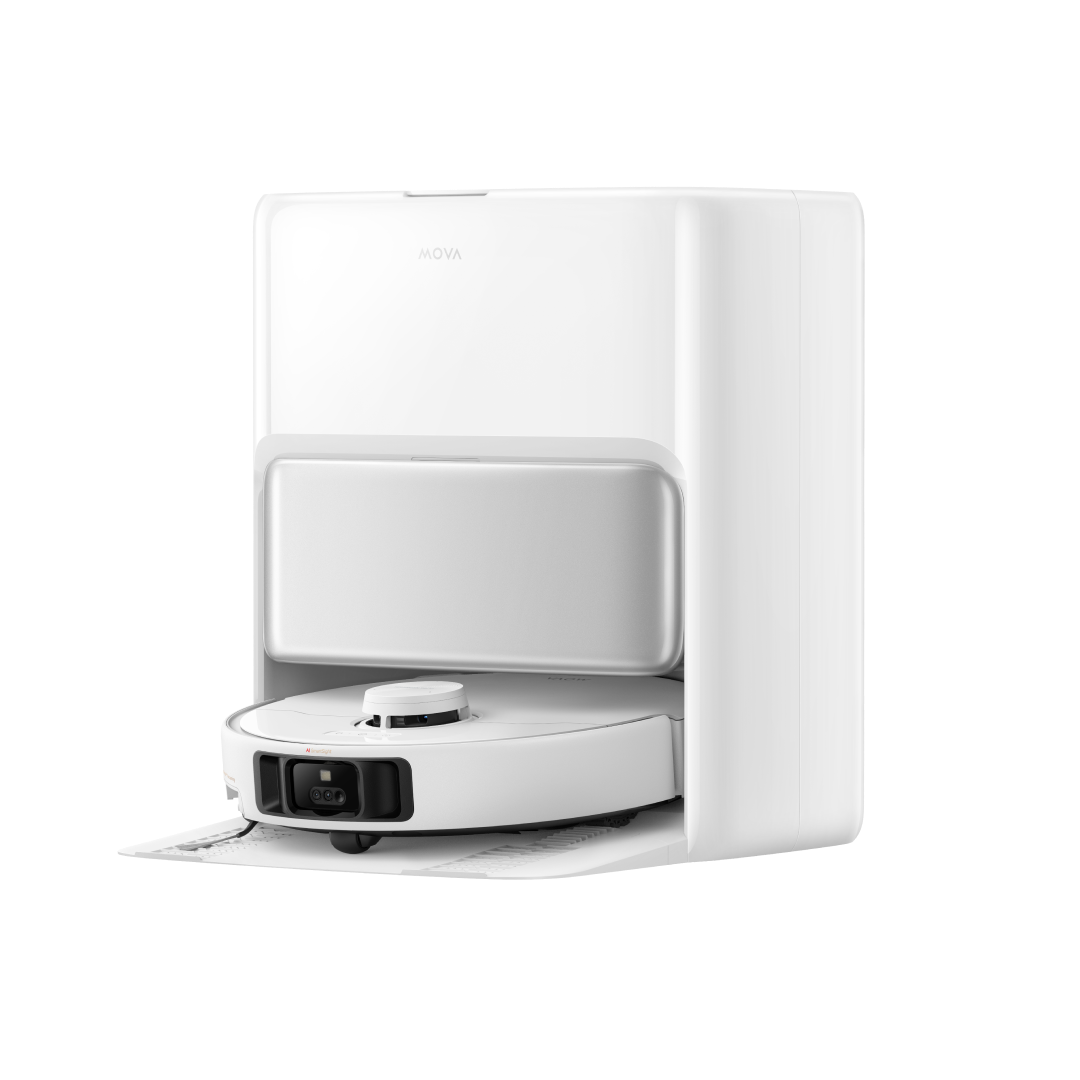
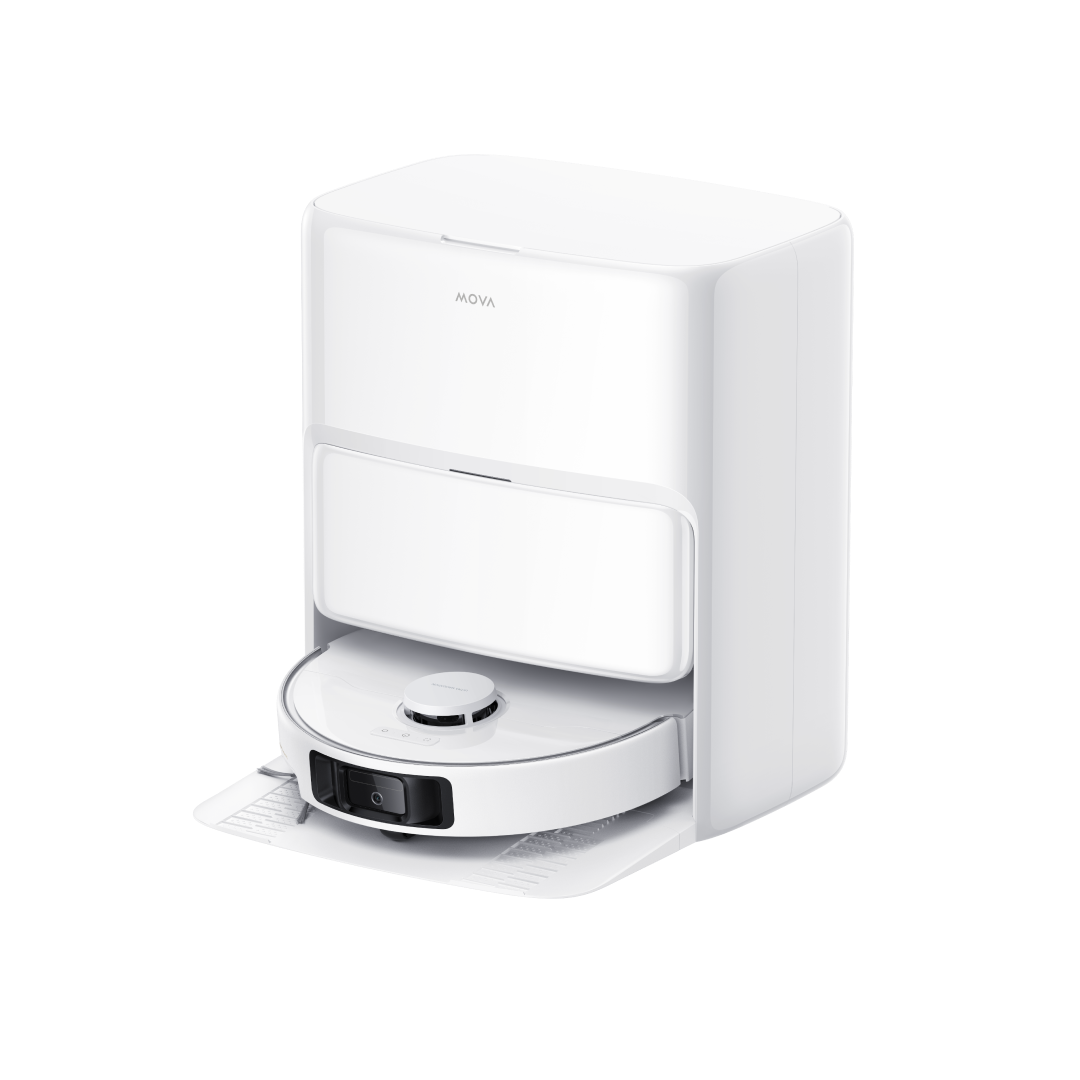
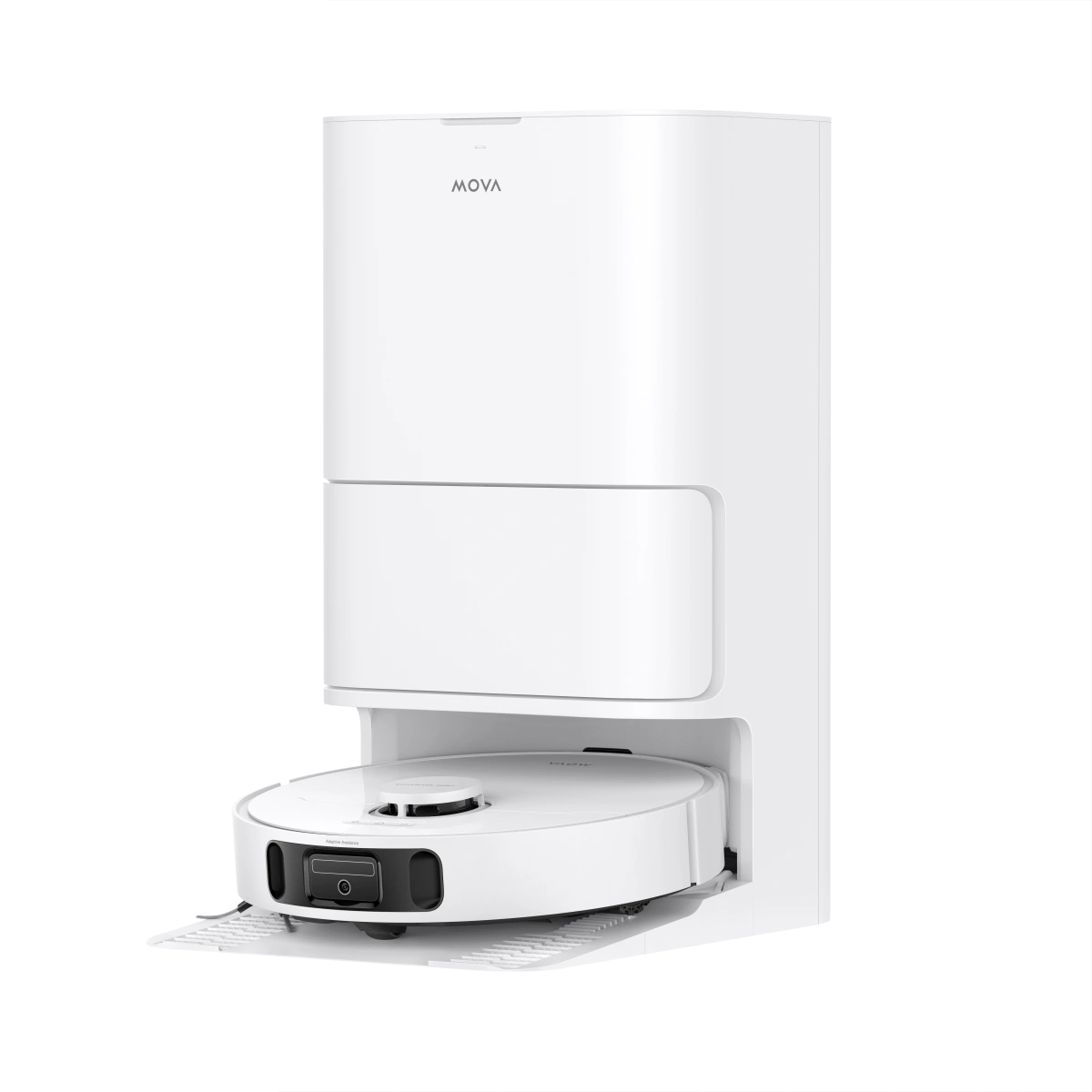
Modern models such as the MOVA Z60, V50, and MOBIUS 60 are designed with intelligent power management systems that automatically manage docking and charging cycles. When something interrupts that process, the system simply cannot complete the “return-to-power” handshake.
The good news is that most of these problems can be solved in a few minutes.
Quick Fix Table: The 60-Second Diagnostic
| Status | Possible Cause | Quick Fix |
|---|---|---|
| No Power | Loose Cable / System Error | Secure all plugs tightly; perform a full system restart on the robot. |
| Cannot Find Dock | Obstacles / Map Offset | Clear a 3-foot radius around the base; manually place the robot on the dock to realign the map. |
| Charging Failure | Dirty Contacts | Clean the metal pins on both the dock and the underside of the vacuum with a dry cloth. |
| Won't Resume | DND Mode / Manual Return | Check your app settings; make sure Do Not Disturb (DND) mode is disabled. |
| No Light on Base | Power cable loose / Outlet off | Re-plug the power adapter firmly and check if the wall switch or surge protector is turned on. |
| Robot keeps docking/undocking | Dirty charging contacts | Wipe the contact pins thoroughly with a dry, soft microfiber cloth to restore connection. |
| Slow Charging | Battery age or extreme temperature | Move the base station away from heat sources to a cooler, climate-controlled room. |
| "Charging Error" App Alert | Software glitch or blocked sensors | Force close and restart the MOVAhome App, then reboot the robot vacuum itself. |
Why Is My Robot Vacuum Not Charging?
Charging anomalies are not unique to any single manufacturer. Across the entire smart appliance industry whether you own an iRobot Roomba, a Roborock, a Shark, or a specialized MOVA model users frequently encounter the exact same power-related bottlenecks. Because lithium-ion power systems and automated docking structures share standard engineering principles, their failure points are remarkably consistent. Understanding the underlying mechanics can save you from a costly and unnecessary replacement.
- Improper Docking or Power Off: Automated charging relies on a precise physical "handshake" between the robot and its home base. If the machine is turned off via its physical toggle switch, or if it approaches the dock at an odd angle, the internal circuit cannot close. Think of it like a smartphone charging cable that is only halfway inserted into the port; if the alignment is off by even a millimeter, no current will flow.
- Dirty Charging Contacts: Over weeks of operation, a vacuum accumulates a fine layer of household dust, floor wax, and pet dander. As the machine drives onto its hot charging pins, these microscopic oils can bake onto the metal surfaces, forming an invisible, non-conductive insulating layer. If the shiny metal plates on the bottom of your MOVA Z60 or V50 look dull, tarnished, or cloudy, they are likely blocked by debris that prevents the electrical current from bridging the gap.
- Battery Degradation: Rechargeable batteries are fundamentally consumable components. Every single charge and discharge cycle subtly degrades the internal chemistry. After hundreds of cleanings, the battery's internal resistance increases, causing it to take significantly longer to charge, hold less energy, or reject a charge altogether. This drop in performance is completely normal and mirrors how an aging car battery behaves over several winters.
- Software & Firmware Glitches: Your robot is essentially a rolling computer. It uses complex firmware to monitor voltage levels and tell the battery when to accept power. Occasionally, an interrupted over-the-air update, a sudden network drop, or a long period of complete inactivity can freeze this internal logic. When this happens, the "brain" fails to recognize that it is connected to a live power supply, ignoring the incoming current entirely.
- Environmental Factors: Ambient room temperatures play a massive role in battery safety. Lithium-ion packs are engineered with internal thermal sensors to prevent overheating or thermal runaway. If your base station is located directly next to a heating vent, under intense direct sunlight, or inside an uninsulated garage during winter, the robot’s software will purposely block charging as a built-in safety measure.
- Power Supply Issues: Sometimes the root cause lies entirely outside the vacuum itself. Constant tension on the power cord can cause internal wires to fray over time. Furthermore, home electrical outlets can trip breakers or fail unexpectedly. It is always wise to test your wall outlet by plugging in a known working device, such as a phone charger or a lamp, to verify that the socket is actually delivering power.
How Do I Troubleshoot My MOVA When It Won’t Dock or Charge?
When your MOVA robot vacuum struggles to find its home or refuses to draw power, you can narrow down the issue by following these targeted troubleshooting steps:
- The "Pencil Eraser" Trick: If wiping with a dry cloth does not restore a charge, use a clean pencil eraser to gently rub the metal charging pins. This provides enough mild friction to safely strip away stubborn oxidation and invisible residue, establishing a perfect electrical connection.
- Clear the Landing Zone: Your MOVA’s high-precision LiDAR navigation requires an uncompromised line of sight to calibrate its positioning. Ensure the area around the base station tray is completely clear by removing any obstacles within 1.5 feet of the sides and 4 feet directly in front.
- Perform a Hard Restart: If the machine's onboard buttons are entirely unresponsive, a hard power cycle can clear the system's memory. Turn the robot completely off, remove it from the dock, wait for 30 seconds, and then manually position it directly back onto the charging pins to force a fresh connection.
- Correct Map Distortion: If your MOBIUS 60 or Gen2 model consistently misses or wanders past its base station, the digital environment map may have experienced "map drift". Open the MOVAhome App and delete the old layout, then have the vacuum run a fresh mapping cycle to reset the dock’s exact digital coordinates.
- The 1-Meter Recall Test: To determine if your issue is physical or navigational, place the robot exactly 1 meter directly in front of the base station and press the "Recall" button. If it fails to dock from this short, clear distance, the problem is almost certainly physical (such as blocked sensors or dirty pins) rather than a complex map error.
- Check the 15% Threshold: Keep in mind that MOVA robots are programmed with an internal power safeguard: they will not initiate any scheduled cleaning tasks or download firmware upgrades if the battery level sits below 15%. If your vacuum seems completely unresponsive to commands, leave it docked manually until it crosses this power threshold.
- Inspect the App for "DND" Mode: Open your application settings to ensure that "Do Not Disturb" (DND) mode has not been accidentally enabled. When active during specific hours, DND parameters can block the robot from automatically leaving the dock to resume a split cleaning task after it completes a mid-clean charge.
MOVA-Specific Charging Features
While basic troubleshooting steps apply across the board, the MOVA ecosystem incorporates specialized engineering choices that dictate how power is managed, sustained, and protected.
High-Capacity Power Management
MOVA’s lineup is anchored by industry-leading suction performance, spanning from the 24,000Pa found on the V50 Ultra to an astonishing 28,000Pa on the Z60 Ultra and a massive 30,000Pa on the premium MOBIUS 60. Generating this kind of raw vacuum power requires immense current draws from the internal motor. To prevent the 6,400mAh battery pack from overheating or degrading prematurely under maximum loads, MOVA integrates a dedicated power management system. This system tightly monitors voltage drops during deep clean cycles and adjusts the charge rate dynamically once docked. If you notice the robot charging more slowly after a strenuous, high-power carpet run, it is not a flaw the machine is purposefully regulating the battery's temperature to preserve long-term battery health.
Smart Base Station Connectivity
Advanced MOVA models do more than just transfer electricity at the dock; the base station and the robot maintain a continuous data connection to manage auto-emptying, hot-water mop washing, and targeted heat drying. If this wireless "handshake" drops, the robot may dock physically but refuse to initiate a charge, or the app might display a persistent connection error. To force a hard re-pairing of the system:
1. Roll the robot off the charging tray.
2. Unplug the base station's power cord directly from the wall.
3. Wait until the LED status lights or the built-in station screen completely power down and go dark (this ensures the internal capacitors have drained fully).
4. Plug the station back in, allow it to boot up, and manually slide the robot back onto the metal pins to re-establish the encrypted data link.
The 3-Year Warranty Advantage
Lithium-ion degradation and charging board failures are among the most common reasons robotic vacuums end up in landfills prematurely. While the consumer tech industry standard typically limits coverage to a restrictive 1-year period, MOVA backs its internal power architectures, high-speed motors, and advanced docking stations with an industry-leading 3-year warranty. This extended protection safeguards your investment against early component failures, ensuring that even if a rare charging hardware glitch surfaces well down the road, it can be resolved without an expensive out-of-pocket replacement.
How Can I Prevent Charging Problems in the Future?
Maintaining consistent power delivery relies heavily on simple, proactive care. You can easily prevent charging failures by incorporating these quick steps into your routine:
- Keep the Base on a Flat, Hard Surface: Install your charging station on a solid, level floor like wood or tile. Avoid thick rugs or plush carpets that can cause the dock to tilt, misaligning the pins and preventing a flush connection.
- Monitor App Alerts regularly: Check the app occasionally for "failed charging" notifications. Catching an accidental bump early allows you to realign the vacuum before the battery drains completely to 0%.
- Keep Firmware Updated: Keep up with system updates to ensure your vacuum is always using the most efficient battery-saving algorithms and refined docking logic.
Conclusion
A summary emphasizing that 90% of charging issues are solved by cleaning contacts and clearing obstacles. A robot vacuum that refuses to charge can feel like a major setback, but it rarely points to a catastrophic hardware failure. In nearly 90% of all cases, the solution boils down to simple physical maintenance: wiping away a layer of invisible oxidation from the contact plates, clearing clutter from the navigation path, or resetting a drifted digital map. By understanding how your vacuum communicates and taking a few moments to keep its physical components clear, you can ensure your MOVA remains powered up, healthy, and always ready for the next clean.
FAQs
1. How long does a full charge take?
Under normal operating conditions, a standard recharge cycle from a low battery to 100% takes roughly 4 to 6 hours. If the machine is charging in a room that is exceptionally warm, or if the battery has been deeply discharged to 0%, the safety protocols may slow down the current, extending the charging window slightly.
2. Why does the firmware upgrade keep failing?
Firmware installations require a secure baseline of power and data stability. The upgrade will automatically reject itself if the robot's battery level is below 15% or if the local Wi-Fi signal drops during the download. To fix this, manually place the vacuum on its dock, let it charge past the 15% threshold, and ensure your router is providing a stable connection.
3. Why is the robot offline in the app?
If your vacuum suddenly shows as "Offline" while you are away from home, it has likely stalled somewhere in the house and remained stranded long enough for the battery to die completely outside the dock. Once the onboard reserve drains entirely, the robot's Wi-Fi module shuts down, disconnecting it from your home network until you manually place it back on the charging pins.
4. Can I leave the robot on the charger 24/7?
Yes. MOVA vacuums are engineered with intelligent battery management systems that monitor the cell voltage continuously. Once the battery reaches full capacity, the dock cuts off the primary electrical current and switches to a micro-trickle charge just to sustain the logic board. This design safely prevents overcharging and protects the battery's longevity.
5. What do I do if the robot feels hot while charging?
If the underside of the vacuum or the battery compartment feels excessively hot to the touch, safety cut-offs should automatically halt the power cycle. For safety, immediately pull the robot off the dock, power it down completely, and let it cool down for at least 60 minutes in a shaded, climate-controlled area before attempting to charge it again.