















If your MOVA robot vacuum is leaving behind dust, pet hair, or crumbs that it normally picks up, the dust box and filter are two of the first things to check. A full dust box, clogged filter, or blocked air path can reduce cleaning performance and can also interfere with automatic dust collection on models with a self emptying dock.
The good news is that emptying a MOVA robot vacuum only takes a few minutes. The exact process varies by model, so always follow the instructions for your specific vacuum when removing the dust box or cleaning its filter.
This guide covers both MOVA robot vacuums that require manual dust box emptying and models with an auto empty charging dock.
How Often Should You Empty a MOVA Robot Vacuum?
How often you need to empty your MOVA robot vacuum depends on the model and how much debris it collects.
For models without an auto empty dock, check the dust bin every 2 to 3 cleaning cycles and empty it sooner if you have shedding pets or clean areas with heavy dirt and debris.
For models with an auto empty charging dock, the dust bag can last for several weeks depending on the model and household conditions. Check the bag about once a month and replace it when it is full or the vacuum indicates that it needs attention.
Tip: Homes with pets, larger floor plans, or heavy daily foot traffic may require more frequent checks.
Step-by-Step Guide: How to Empty Your MOVA Dust Bin
Step 1: Pause and Remove
Stop the cleaning cycle and remove the dust bin according to your MOVA model. Some models require lifting the top cover, while others use a different release mechanism.
Step 2: Open and Empty
Hold the dust bin over a trash can, open the lid, and empty the debris. Gently tap the bin to remove any remaining dust or hair.
Step 3: Check and Clean the Filter
Remove the filter and clean it according to your model's instructions. If the filter is washable, rinse it with water only when permitted and let it dry completely before reinstalling. Never put a damp filter back into the vacuum.
Step 4: Reinstall Securely
Place the filter back into the dust bin and reinstall the bin in the vacuum. Make sure everything is firmly seated and securely closed to maintain proper airflow and suction.
Do Self Emptying Robot Vacuums Need to Be Emptied?
Yes, but much less often.
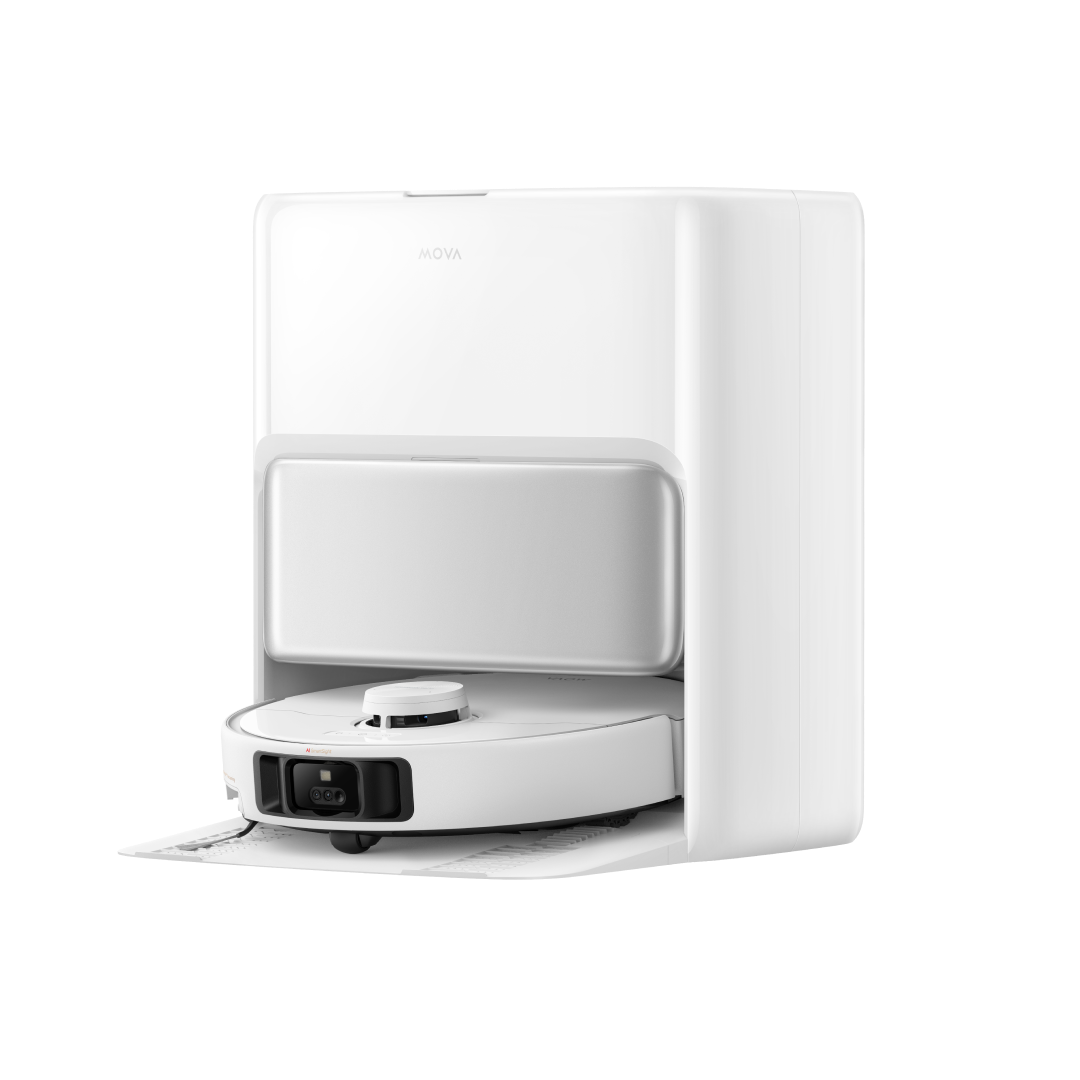
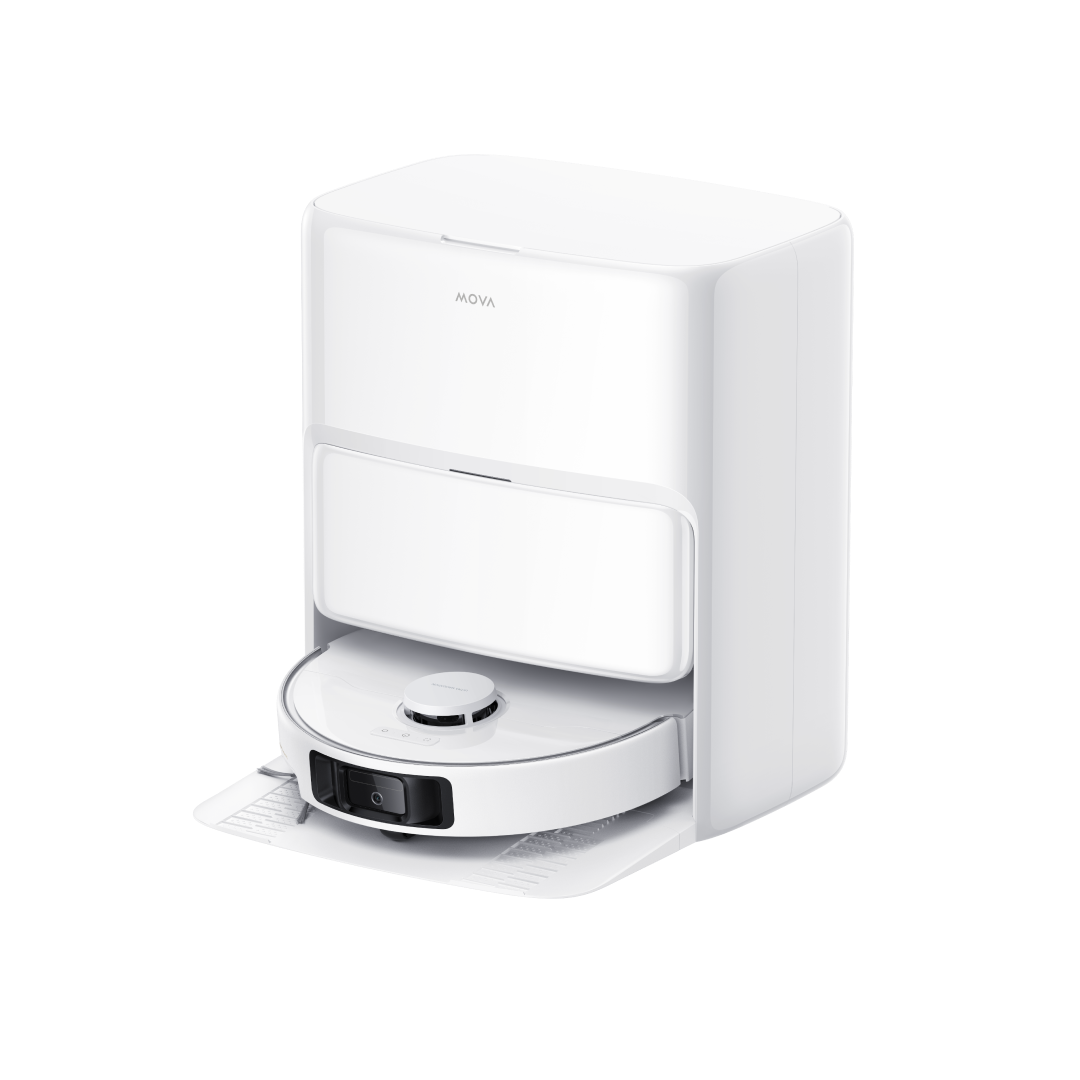
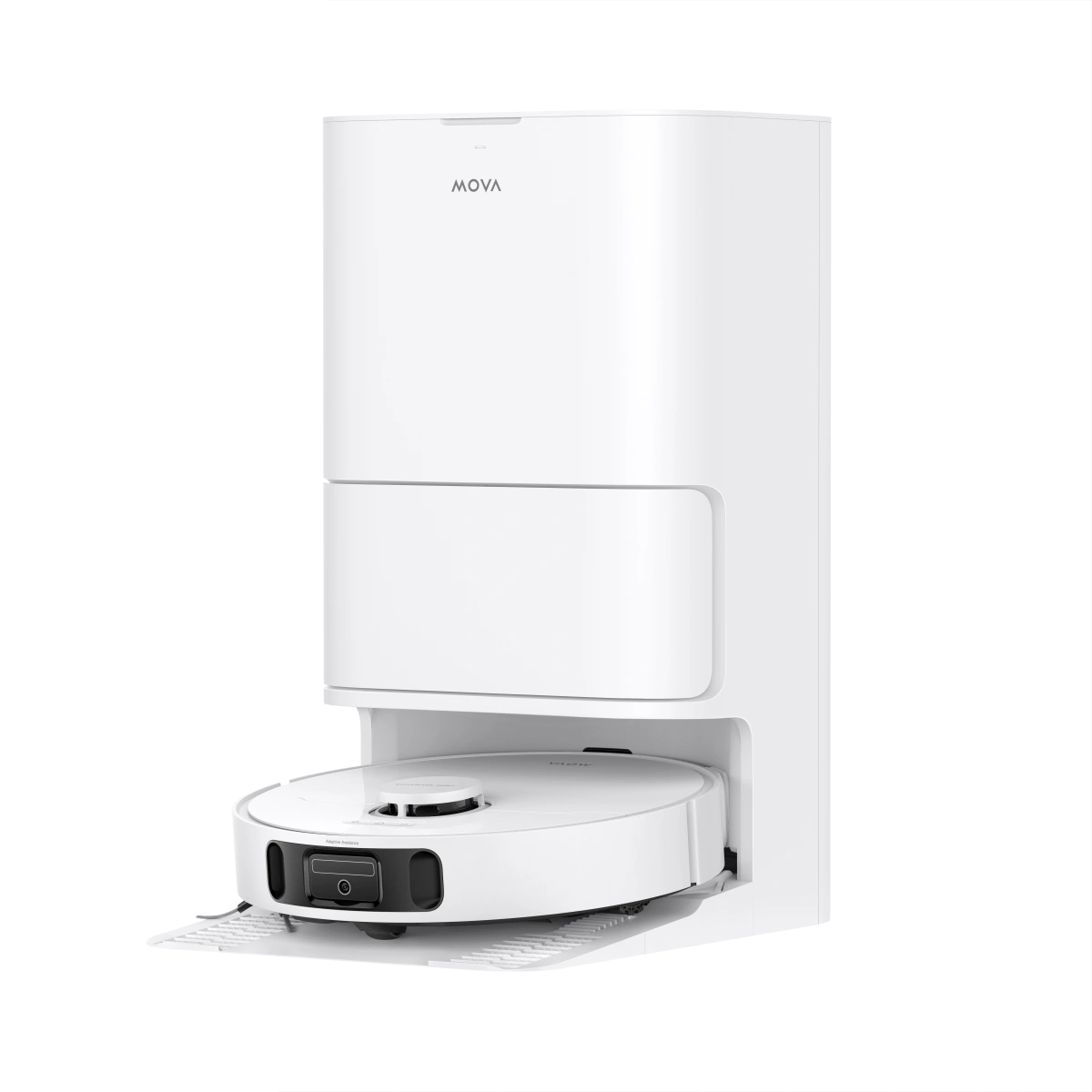
A self emptying robot vacuum automatically transfers debris from the robot's dustbin into a larger dust bag inside the charging dock. You generally do not need to manually empty the robot after every cleaning cycle.
This means:
- Less daily maintenance: The dock handles routine dust collection automatically.
- More convenience for pet owners: It can collect pet hair and dust without requiring frequent manual emptying.
- Better for larger homes: A larger dust bag can hold more debris between replacements.
You still need to check and replace the dust bag when it becomes full, and clean the robot's filter and other components as recommended for your specific model.
Signs Your Robot Vacuum Needs to Be Emptied
Your robot vacuum does not always need to be emptied on a fixed schedule. In many cases, changes in cleaning performance can tell you that the dust bin needs attention. Look for these common signs:
1. “Dustbin Full” Notification
Some smart robot vacuums can detect when the dust bin is reaching capacity and display a notification through the vacuum or its app. If you receive this alert, empty the dust bin before the next cleaning cycle to maintain normal airflow.
2. Reduced Suction Performance
A full dust bin can restrict airflow and reduce suction power. If your robot seems to pick up less dust, crumbs, or pet hair than usual, check the dust bin and filter first. A clogged filter can also contribute to reduced airflow.
3. More Dirt Left Behind
If you notice more dust, pet hair, or debris remaining on the floor after a cleaning cycle, the dust bin may be full. Empty it and check for buildup around the filter and suction inlet.
4. Unusual Noise
A noticeable change in your robot vacuum's normal operating sound can indicate restricted airflow or debris buildup. Start by emptying the dust bin, then check the filter, main brush, and suction path for visible blockages.
If the problem continues after emptying and cleaning the vacuum, check your MOVA model's troubleshooting instructions for additional causes.
Troubleshooting: What to Do If Suction Remains Low
If suction is still weak after emptying the dust bin and cleaning the filter, check a few other common areas.
Check the Roller and Side Brushes
Inspect the main roller and side brushes for wrapped human hair, pet fur, or threads. Buildup around the brush ends can restrict rotation and affect cleaning performance. Remove any visible debris carefully.
Inspect the Air Intake Paths
Check the dust bin port and main suction inlet for larger pieces of debris or compacted dust. A blockage can restrict airflow even when the dust bin itself is not full.
Wipe the Sensors
Use a clean, dry microfiber cloth to gently wipe the robot's cliff sensors and navigation sensors. Dust buildup on these areas can affect navigation and cleaning behavior.
If suction remains low after these checks, refer to the instructions for your specific MOVA model before attempting further troubleshooting.
Final Thoughts
Regular maintenance does not need to take much time. A quick check of the dust bin, filter, brushes, and suction inlet can help prevent many common cleaning and performance issues.
For the best results, check the dust level after larger cleaning sessions, especially if your home has pets or heavy daily foot traffic. Keeping these simple checks part of your routine helps your MOVA robot vacuum maintain consistent cleaning performance.
FAQs
How often should I empty my robot vacuum?
For a manually emptied robot vacuum, checking the dust bin every 2 to 3 cleaning cycles is a good starting point. Homes with pets or heavier debris may require more frequent emptying.
Can I leave dust inside my robot vacuum?
It is better not to leave a full dust bin for extended periods. Emptying it regularly helps maintain airflow and cleaning performance. If you notice reduced suction or a full dust bin notification, empty it before the next cleaning cycle.
Do MOVA robot vacuums empty themselves?
Some MOVA models come with an auto empty charging dock that automatically transfers debris from the robot's dust bin into a larger dust bag. Models without an auto empty dock require manual dust bin emptying.
How long does a robot vacuum dust bag last?
The lifespan varies by MOVA model and household conditions. Pet hair, floor size, cleaning frequency, and the amount of daily debris can all affect how quickly the bag fills. Check the dust bag regularly and replace it when it is full or when your model indicates that it needs attention.